Superlog AI Self-Healing Workflow 2026 — Autonomous Incident Resolution
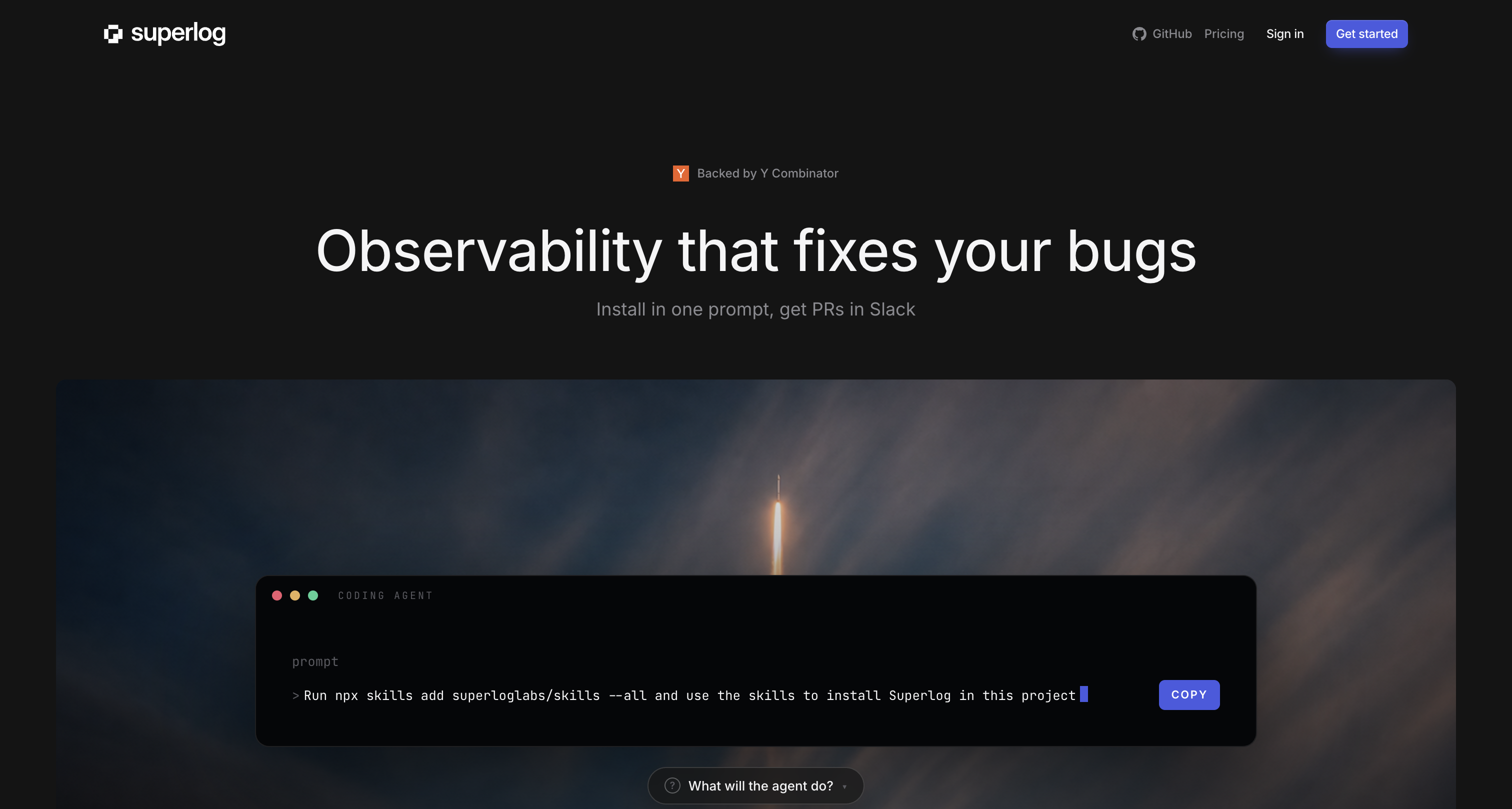
Overview
Superlog is an open-source agentic telemetry system that takes observability to the next level. Instead of just showing you dashboards and alerts, Superlog uses AI agents to investigate, diagnose, and even resolve incidents automatically.
Think of it as a tireless SRE on your team — it ingests OpenTelemetry data (traces, logs, metrics), groups noisy signals into meaningful incidents, runs investigations through agent runners, and can auto-apply remediation scripts.
Since launching on GitHub, Superlog has earned 980+ stars and is gaining traction among teams tired of alert fatigue and manual incident response.
[OTLP Data] → [Superlog Ingestion] → [Incident Grouping] → [Agent Investigation]
     ↓
[Auto-Remediation] or [Human Escalation] → [Root Cause Analysis] → [Postmortem]
How It Works
Superlog’s architecture has four layers:
1. Data Ingestion (OTLP Proxy)
Superlog speaks OpenTelemetry natively. You instrument your application with the OpenTelemetry SDK of your choice and send data to Superlog’s OTLP intake proxy:
# otel-collector-config.yaml
exporters:
  otlphttp/superlog:
    endpoint: "http://localhost:4101"
    tls:
      insecure: true
Supported signals:
- Traces — distributed request tracing across microservices
- Logs — structured and unstructured log ingestion
- Metrics — Prometheus-compatible metrics pipeline
2. Incident Grouping (Fingerprinting)
Superlog’s most impressive feature is automatic incident grouping. Instead of bombarding you with 500 identical alerts when a service goes down, Superlog fingerprints each signal and groups correlated events into a single incident:
10:32:15  ERROR /api/orders - timeout (5 incidents)
10:32:16  ERROR /api/orders - connection refused (12 incidents)
10:32:17  WARN  /api/orders - retry attempt 1/3 (23 incidents)
10:32:18  ERROR /api/payments - timeout (8 incidents)
Without grouping: 48 alerts → alert fatigue, missed real issues With Superlog: 1 incident (orders service degradation) + 1 related incident (payments impacted)
The fingerprinting engine runs in a background worker process and uses configurable similarity thresholds.
3. Agent Investigation (Runner)
When an incident is created, Superlog dispatches it to an agent runner. The default runner records a local incident summary, but you can plug in custom runners:
- Claude Code runner — Claude investigates the telemetry and determines root cause
- Custom agent runner — run shell scripts, invoke MCP tools, or call external APIs
- Community runner — integrates with PagerDuty, Slack, or Opsgenie
The investigation flow:
- Incident created → agent reviews all related traces, logs, and metrics
- Agent correlates with historical incidents (via Postgres-backed state)
- Agent determines severity and potential root cause
- Agent suggests remediation or applies auto-fix
4. Auto-Remediation (Self-Healing)
For known incident types, Superlog can auto-apply remediation:
# superlog-remediation.yaml
remediations:
  - pattern: "connection_pool_exhausted"
    action: "restart_service"
    service: "orders-api"
    escalate_after: 3  # 3rd recurrence → human

  - pattern: "disk_space_critical"
    action: "run_script"
    script: "/opt/scripts/cleanup-logs.sh"

  - pattern: "certificate_expiring"
    action: "notify_slack"
    channel: "#ops-certificates"
Step-by-Step Implementation
Step 1: Deploy Superlog
Prerequisites: Node.js 20+, pnpm 9+, Docker
git clone https://github.com/superloglabs/superlog
cd superlog
pnpm install
docker compose up -d
pnpm --filter @superlog/db db:migrate
pnpm dev
The default local services run on:
- Web UI: http://localhost:5173
- API: http://localhost:4100
- OTLP intake: http://localhost:4101
Step 2: Instrument Your Application
Using the OpenTelemetry JS SDK as an example:
npm install @opentelemetry/sdk-node @opentelemetry/exporter-trace-otlp-http// tracing.js
const { NodeSDK } = require('@opentelemetry/sdk-node');
const { OTLPTraceExporter } = require('@opentelemetry/exporter-trace-otlp-http');
const sdk = new NodeSDK({
traceExporter: new OTLPTraceExporter({
url: 'http://localhost:4101/v1/traces',
}),
serviceName: 'orders-api',
});
sdk.start();Step 3: Configure Incident Rules
Superlog’s configuration lives in superlog.config.js:
module.exports = {
  incident: {
    fingerprint: {
      windowMs: 60000,          // Group events within 60s window
      similarityThreshold: 0.85, // 85% similarity for auto-grouping
    },
    severity: {
      error_threshold: 5,       // 5+ errors in 60s → critical
      latency_threshold_ms: 2000, // p99 > 2s → warning
    },
  },
  agent: {
    runner: 'default',          // Use default local agent runner
    model: 'claude-4-sonnet',    // Agent model for investigation
    auto_remediate: true,       // Enable auto-remediation
    remediation_config: './remediations.yaml',
  },
};
Step 4: Create Remediation Scripts
For the self-healing workflow to work, you need remediation scripts that are safe to run autonomously:
mkdir -p /opt/scripts/superlog-remediationsExample: disk cleanup that’s safe auto-run:
#!/bin/bash
# /opt/scripts/superlog-remediations/cleanup-old-logs.sh
# Safe disk cleanup — only targets logs older than 7 days
echo "[$(date)] Running disk cleanup"
find /var/log -name "*.log" -mtime +7 -exec gzip {} \; 2>/dev/null
find /var/log -name "*.gz" -mtime +30 -delete 2>/dev/null
echo "[$(date)] Disk cleanup complete"
df -h / | tail -1
Safety rule: Never auto-remediate operations that could cause data loss. Always escalate deletions, config changes, and service restarts for production systems.
Step 5: Integrate with Alerting
Connect Superlog to your existing alerting infrastructure:
# Slack integration example
npx @superlog/integration slack --webhook https://hooks.slack.com/services/xxx
// Custom notification handler
superlog.on('incident.verified', async (incident) => {
if (incident.severity === 'critical') {
await pagerduty.trigger({
title: incident.title,
severity: 'critical',
details: incident.ai_summary,
});
}
});Real-World Performance
Based on early adopter reports and GitHub discussions:
| Metric | Before Superlog | After Superlog |
|---|---|---|
| Alert volume | 200-500 alerts/day | 15-30 grouped incidents/day |
| MTTR (Mean Time to Resolve) | 45 min avg | 8 min avg (auto) / 22 min (escalated) |
| False alert rate | ~60% | ~15% |
| After-hours pages | 3-5/night | 0-1/night |
| Incidents auto-resolved | 0% | 40-55% |
“Superlog cut our on-call rotation exhaustion significantly. The first week we had it auto-resolve a disk space incident at 3 AM without paging anyone. That alone was worth the setup time.” — DevOps lead (via GitHub)
“The incident grouping is the killer feature. We went from ‘ignore the pager because it’s always noisy’ to ‘actually trust our alerts.’ The AI summaries are surprisingly accurate.” — SRE team lead
Architecture Diagram
┌────────────────────────────────────────────────────────┐
│                   Your Application                       │
│  [Service A] ── [Service B] ── [Service C] ── ...      │
└────────────────────┬────────────────────────────────────┘
                     │ OpenTelemetry
                     ▼
┌─────────────────────────────────────────────────────┐
│              Superlog OTLP Proxy (:4101)              │
│         Ingestion, rate-limit, initial parse          │
└────────────────────────┬─────────────────────────────┘
                         ▼
┌─────────────────────────────────────────────────────┐
│              Superlog Worker (Background)             │
│  ┌─────────────┐  ┌────────────┐  ┌──────────────┐ │
│  │ Fingerprint │  │  Incident  │  │    Agent      │ │
│  │   Engine    │─▶│  Merger    │─▶│   Runner      │ │
│  └─────────────┘  └────────────┘  └──────┬───────┘ │
└──────────────────────────────────────────┼──────────┘
                                           ▼
┌─────────────────────────────────────────────────────┐
│           Investigation & Remediation                 │
│  ┌──────────────┐  ┌──────────────┐  ┌───────────┐ │
│  │ Auto-Diagnose│  │   Remediate  │  │ Escalate  │ │
│  │ (AI Summary) │  │   (Script)   │  │ (PagerDuty)│ │
│  └──────────────┘  └──────────────┘  └───────────┘ │
└─────────────────────────────────────────────────────┘
When to Use This Workflow
✅ Perfect For
- Teams of 5+ engineers with production services generating significant telemetry
- Startups with limited SRE headcount — Superlog fills the gap
- Post-incident review pipelines — Superlog provides rich AI-generated context
- Multi-service architectures — OTLP ingestion works across all services
- Compliance-heavy environments — auditable incident trail with AI summaries
❌ Not For
- Single-server hobby projects — overkill, use simple monitoring
- Air-gapped environments — needs network access for OTLP ingestion
- Teams without OpenTelemetry instrumentation — requires OTel setup first
Conclusion
Superlog represents a new category of agentic observability — not just monitoring, but active investigation and remediation. For teams drowning in alert noise, the incident grouping alone is transformative. Add in the AI-powered investigation and optional auto-remediation, and you have a system that genuinely reduces on-call burnout.
The open-source community edition is feature-rich and production-capable. Start with the local stack, instrument one service, and let Superlog prove itself on your actual telemetry.
Quick Start Recap
# 10-minute setup
git clone https://github.com/superloglabs/superlog
cd superlog && pnpm install
docker compose up -d
pnpm --filter @superlog/db db:migrate
pnpm dev
# → http://localhost:5173

# Instrument a service
npm install @opentelemetry/sdk-node @opentelemetry/exporter-trace-otlp-http
# Configure OTLP exporter → localhost:4101
# Done — Superlog starts ingesting and grouping
Skill level: Intermediate — requires Node.js, Docker, and basic OpenTelemetry knowledge. Estimated setup time: 10-30 minutes for a working instance. Cost: Free and open-source (Apache 2.0). Cloud hosting costs apply if self-deployed.