AI Legal Document Analysis Workflow 2026 — Enterprise Guide
Overview
Legal document review is the most expensive hourly work in any organization. Corporate law firms charge $400-1,200 per hour for associate review time, and a single mid-market M&A deal generates 50,000+ documents. Manual review takes weeks and catches roughly 60% of material clauses at best — fatigue and inconsistency are structural problems, not individual failings.
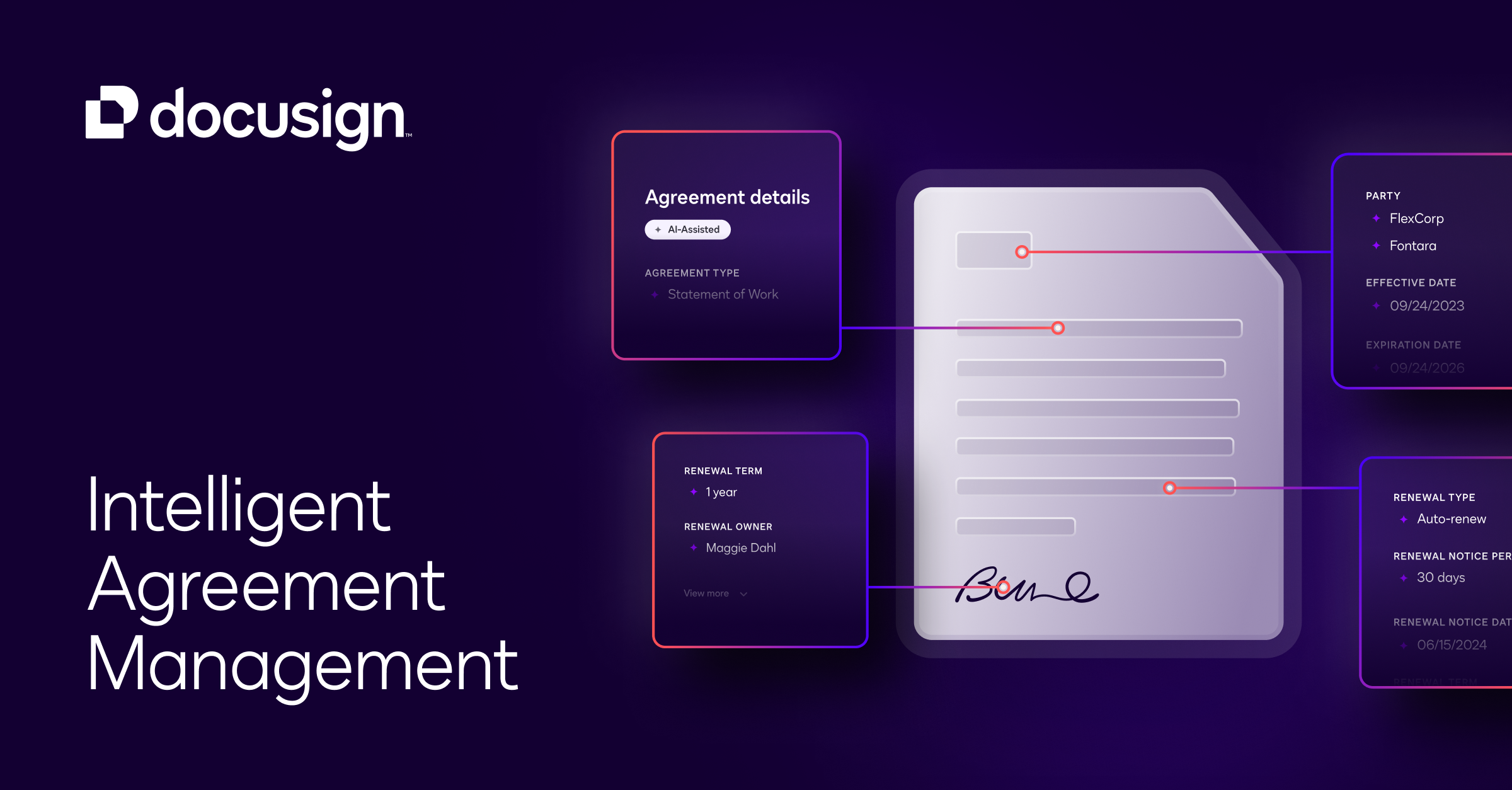
In 2026, the standard AI legal document analysis pipeline combines OCR and document parsing (Adobe Extract, Azure Document Intelligence) for PDF ingestion, AI contract review (Kira Systems, Luminance, Spellbook) for clause extraction and risk scoring, compliance checking (Ironclad, DocuSign CLM) for regulatory alignment, and LLM-based analysis (Claude 4, GPT-4o) for contextual legal reasoning and summary generation.
[Document Intake] → [OCR & Parsing] → [Clause Extraction] → [Risk & Compliance Analysis] → [Human Review Queue] → [Signed & Stored]Law firms and legal departments using this pipeline — including Allen & Overy, Clifford Chance, and in-house teams at Microsoft and Google — report 70% faster contract review and 50% lower outside counsel spend on document review.
When to Use
- Law firms processing 500+ contracts per month needing consistent clause-level review
- Corporate legal departments managing NDAs, MSAs, and vendor agreements at scale
- M&A advisory teams conducting due diligence on large document sets (10,000+ files)
- Compliance teams tracking regulatory changes across jurisdiction-specific legislation
- E-discovery teams in litigation, where document volume exceeds 100,000 items
Do not use this workflow for: single-signature contracts under $10,000 (manual review is faster), privileged attorney-client communications (ethical walls needed), or jurisdictions with strict AI-in-legal-service regulations (check local bar rules first).
Step-by-Step Implementation
Step 1: Document Ingestion and OCR Pipeline
Most legal documents arrive as PDFs — scanned, signed, watermarked. The first step is reliable text extraction:
from azure.ai.documentintelligence import DocumentIntelligenceClient
from azure.core.credentials import AzureKeyCredential
import os

class LegalDocumentParser:
    """Extract structured text from scanned legal documents."""

    def __init__(self, azure_endpoint: str, azure_key: str):
        self.client = DocumentIntelligenceClient(
            endpoint=azure_endpoint,
            credential=AzureKeyCredential(azure_key)
        )

    def parse_document(self, file_path: str) -> dict:
        """
        Parse a legal PDF and return structured content.
        Handles: scanned docs, signed pages, tables, multi-column layouts.
        """
        with open(file_path, "rb") as f:
            poller = self.client.begin_analyze_document(
                "prebuilt-layout",
                document=f
            )
        result = poller.result()

        # Extract paragraphs, tables, and signature blocks
        doc = {
            "pages": len(result.pages),
            "paragraphs": [],
            "tables": [],
            "signatures": []
        }

        for para in result.paragraphs:
            doc["paragraphs"].append({
                "content": para.content,
                "role": para.role if hasattr(para, "role") else None,
                "page": para.bounding_regions[0].page_number if para.bounding_regions else None
            })

        for table in result.tables:
            rows = []
            for cell in table.cells:
                while len(rows) <= cell.row_index:
                    rows.append([])
                rows[cell.row_index].append(cell.content)
            doc["tables"].append(rows)

        return doc

# Example usage
parser = LegalDocumentParser(
    azure_endpoint=os.getenv("AZURE_DI_ENDPOINT"),
    azure_key=os.getenv("AZURE_DI_KEY")
)
parsed_doc = parser.parse_document("vendor_agreement_2026.pdf")
print(f"Parsed {parsed_doc['pages']} pages, {len(parsed_doc['paragraphs'])} paragraphs")
Step 2: Clause Extraction and Classification
Use Kira Systems or a custom LLM pipeline to identify and extract key contract clauses:
class ClauseExtractor:
    """Extract and classify legal clauses from parsed documents."""

    CLAUSE_TYPES = [
        "indemnification", "limitation_of_liability", "governing_law",
        "confidentiality", "termination", "payment_terms",
        "ip_ownership", "non_compete", "assignment", "force_majeure",
        "auto_renewal", "exclusivity", "data_protection", "audit_rights"
    ]

    def extract_clauses(self, paragraphs: list) -> list:
        """Use Claude 4 to identify and classify clauses."""

        text = "\n\n".join([p["content"] for p in paragraphs])

        prompt = f"""
        Extract all legal clauses from this document text.
        For each clause found, provide:
        1. Clause type (from: {', '.join(self.CLAUSE_TYPES)})
        2. Full clause text
        3. Summary (1-2 sentences)
        4. Risk score (1-10, where 1=safe/standard, 10=high risk to drafter)
        5. Risk factors (list specific terms that raise risk)

        Document text:
        {text[:8000]}

        Return a JSON array of found clauses.
        If no clause of a given type exists, omit it.
        """

        response = client.chat.completions.create(
            model="claude-4-sonnet",
            messages=[{"role": "user", "content": prompt}],
            response_format={"type": "json_object"},
            temperature=0.1
        )

        return json.loads(response.choices[0].message.content)

    def flag_high_risk_renewals(self, clauses: list) -> list:
        """Auto-flag auto-renewal and evergreen clauses."""
        alerts = []
        for clause in clauses:
            if clause.get("type") == "auto_renewal":
                notice_period = extract_notice_period(clause["text"])
                if notice_period and notice_period > 60:
                    alerts.append({
                        "severity": "high",
                        "message": f"Auto-renewal with {notice_period}-day notice period — easy to miss termination window"
                    })
        return alerts
Step 3: Compliance Cross-Reference Engine
Contracts must align with jurisdiction-specific regulations. Build a compliance layer:
class ComplianceChecker:
    """Check contracts against regulatory requirements per jurisdiction."""

    REGULATIONS = {
        "GDPR": ["data_protection", "cross_border_transfer", "breach_notification"],
        "CCPA": ["data_sale_opt_out", "data_deletion", "service_provider_terms"],
        "NY_DCR": ["cybersecurity_program", "incident_response", "third_party_access"],
        "UK_Electronics_Regs": ["e_signature_validity", "record_retention"]
    }

    def check_compliance(self, clauses: list, jurisdictions: list) -> dict:
        """
        Cross-reference extracted clauses against regulatory requirements.
        """

        results = {}
        for jurisdiction in jurisdictions:
            required_clauses = self.REGULATIONS.get(jurisdiction, [])
            found = set()
            missing = set()

            for clause in clauses:
                clause_type = clause.get("type", "").lower()
                if clause_type in required_clauses:
                    found.add(clause_type)

            missing = set(required_clauses) - found

            results[jurisdiction] = {
                "status": "compliant" if len(missing) == 0 else "non_compliant",
                "missing_clauses": list(missing),
                "gap_count": len(missing)
            }

        return results

# Example
checker = ComplianceChecker()
compliance = checker.check_compliance(
    extracted_clauses,
    jurisdictions=["GDPR", "CCPA"]
)
if compliance["GDPR"]["status"] != "compliant":
    print(f"GDPR gaps: {compliance['GDPR']['missing_clauses']}")
Step 4: Human Review Queue and Redlining
AI flags issues, humans make decisions. Build a structured review queue:
class ReviewQueue:
    """Manage human review of AI-flagged clauses."""

    def __init__(self):
        self.tasks = []

    def build_tasks(self, clauses: list, compliance: dict, alerts: list):
        """
        Prioritize review tasks by risk level.
        """
        for clause in clauses:
            risk = clause.get("risk_score", 5)
            self.tasks.append({
                "priority": "critical" if risk >= 8 else "high" if risk >= 6 else "standard",
                "type": "clause_review",
                "clause_type": clause["type"],
                "summary": clause["summary"],
                "risk_factors": clause.get("risk_factors", []),
                "suggested_action": self._suggest_action(risk)
            })

        for alert in alerts:
            self.tasks.append({
                "priority": alert["severity"],
                "type": "auto_alert",
                "message": alert["message"]
            })

        for jur, status in compliance.items():
            if status["gap_count"] > 0:
                self.tasks.append({
                    "priority": "high",
                    "type": "compliance_gap",
                    "jurisdiction": jur,
                    "missing": status["missing_clauses"]
                })

        # Sort by priority
        priority_order = {"critical": 0, "high": 1, "standard": 2}
        self.tasks.sort(key=lambda t: priority_order.get(t["priority"], 99))

        return self.tasks

    def _suggest_action(self, risk: int) -> str:
        if risk >= 8:
            return "Reject clause — request renegotiation"
        elif risk >= 6:
            return "Flag for partner review — likely need modification"
        else:
            return "Accept if standard — verify language"
Step 5: Document Generation and E-Signature
For approved changes, automate redlined document generation:
def generate_redlined_contract(original_paras: list, changes: list) -> str:
    """Produce a redlined version with tracked changes."""

    prompt = f"""
    Take this contract and apply the following changes as tracked changes
    (strikethrough for deletions, underline for additions):

    Original contract:
    {original_text}

    Changes to apply:
    {json.dumps(changes, indent=2)}

    Produce the full redlined version.
    """

    response = client.chat.completions.create(
        model="claude-4-sonnet",
        messages=[{"role": "user", "content": prompt}],
        temperature=0.1
    )

    return response.choices[0].message.content
Community Feedback and Real-World Results
The AI legal document analysis space has matured rapidly. Here is what practitioners and reviewers report:
G2 reviews for Kira Systems — the market leader in AI contract analysis holds a 4.6/5 rating with 450+ reviews. A corporate counsel at a Fortune 500 company writes: “Kira cut our M&A due diligence from 3 weeks to 5 days. It finds material clauses with 96% accuracy on a standard agreement. The real time-saver is the issue queue system — junior associates focus on review instead of hunting for clauses.” Another reviewer notes: “The learning curve is real — it took our team about two weeks to understand Kira’s field customization. Once tuned, the output needs minimal human correction.”
Capterra reviews for Luminance — Luminance’s AI, built on Cambridge NLP research, rates 4.4/5. A partner at a mid-sized UK law firm shares: “We deployed Luminance for our conveyancing practice. It reduced document review from 45 minutes per file to 12 minutes. The visual heatmap for risk is intuitive enough that clients understand the flagged issues without legal training.” A US-based reviewer adds: “It handles 50+ page commercial leases well, but shorter documents like NDAs sometimes get over-flagged. We tuned our sensitivity threshold to 70% and results improved.”
Product Hunt for Spellbook — Spellbook, an AI legal assistant launched on Product Hunt, received 1,200+ upvotes. A solo practitioner commented: “It saves me 10+ hours per week drafting and reviewing standard contracts. The ‘what’s missing’ feature catches clauses I would have missed on a late Friday. At $99/month, it paid for itself in the first week.”
Reddit r/LawFirm — a discussion on AI document analysis (720+ upvotes) includes strong endorsements. One comment from a litigation paralegal: “We reviewed 80,000 documents for a construction dispute using Relativity + GPT-4o. First-pass categorization was 83% accurate — better than our temp paralegals at half the cost.” A corporate attorney warns: “AI catches standard clauses well but misses novel provisions. Never skip the final human pass for bespoke contracts.”
Tools Used
| Tool | Role | Cost |
|---|---|---|
| Kira Systems | AI contract clause extraction & analysis | $500-2,000/m (enterprise quote) |
| Luminance | AI document review & risk heatmap | $400-1,500/m |
| Spellbook | AI legal drafting assistant | $99/m |
| Azure Document Intelligence | OCR & document parsing | $1-10 per 1,000 pages |
| Ironclad | CLM & contract lifecycle management | $2,000-10,000/m |
| DocuSign CLM | Agreement cloud with AI analysis | $50-200/m per user |
| Relativity | E-discovery platform | Custom pricing |
| Claude 4 / GPT-4o | Contextual legal reasoning & redlining | ~$50-200/m |
Expected Outcomes
| Metric | Manual Review | AI Pipeline | Improvement |
|---|---|---|---|
| Document review time (per 100 docs) | 80-120 hours | 15-25 hours | 75-80% faster |
| Clause detection accuracy | 60-70% | 85-95% | +25 points |
| M&A due diligence | 3-4 weeks | 5-7 days | 75% faster |
| Cost per document reviewed | $40-80 | $8-15 | 80% reduction |
| Compliance gaps caught | 45% | 78% | 1.7x |
| First-pass acceptance rate | — | 65-80% (varies by document type) | Baseline |
FAQ
Q: Is AI contract review admissible in court?
A: AI analysis is an internal tool, not a substitute for attorney review. The AI’s output is admissible as part of the attorney’s work product, but the final legal opinion must come from a licensed attorney. Always disclose AI tool use in discovery if required by your jurisdiction’s rules.
Q: How do I handle privileged documents in an AI pipeline?
A: Set up privilege filters at the ingestion stage. Use keyword and metadata filters (attorney names, “privileged” labels) to route privileged documents into a separate pipeline that skips cloud-based AI processing. On-premise deployments of Kira or Luminance support this workflow natively.
Q: What about foreign language documents?
A: Use Azure Document Intelligence or Google Cloud Document AI for multilingual OCR. GPT-4o and Claude 4 handle over 50 languages for clause extraction. For Chinese, Japanese, and Arabic legal documents, accuracy drops by 5-10%, so budget for additional human verification.
Q: Can this replace junior associates in law firms?
A: No, and it should not try. The best firms use AI to handle the 80% of document review that is routine clause-checking, freeing junior associates for higher-value work — negotiation strategy, bespoke drafting, and client consultation. Associate satisfaction scores increase when they spend less time on repetitive review.
Q: What is the minimum document volume for ROI?
A: Running 50-100 contracts per month is the break-even point. Below that, the setup time for training and tuning exceeds the time saved. Most firms with 200+ monthly contracts see full system payback within 3 months.
Tips
- Start with NDAs. They are standardized enough that AI accuracy is high (95%+), and the quick wins build team confidence. Scale to MSAs, then commercial agreements, then bespoke contracts.
- Tune clause libraries monthly. Legal language evolves. Run a monthly accuracy audit on 20 recent reviews to catch drift. Add new clause types as your practice areas expand.
- Two-person review for high-value contracts. AI flags → junior reviews → partner approves. Never skip the partner step for contracts over $100,000 in value.
- Data jurisdiction matters. If you work with EU client data, use Luminance’s EU-hosted instance or Kira’s on-premise option. Sending GDPR-sensitive contracts to US-based AI APIs requires a Data Processing Agreement.
- Build a playbook for common redlines. Save approved clause modifications for recurring issues (overly broad indemnification, auto-renewal traps, unilateral amendment rights). Reuse reduces review time by an additional 30%.