Running Local AI Models in 2026 — Complete Guide to Local LLMs with LM Studio, Ollama & Pi
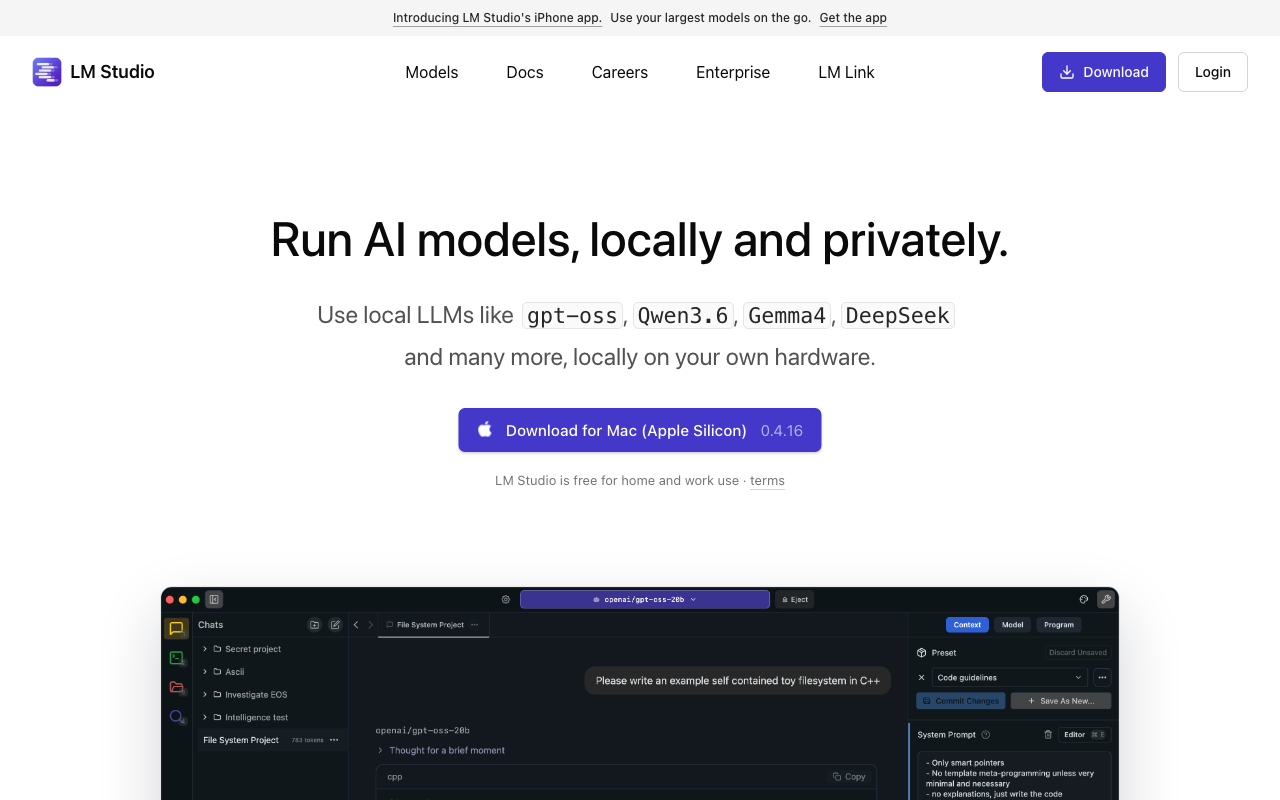
Something changed in mid-2026. Running AI models locally — once a hobbyist exercise with clunky interfaces and laughable accuracy — has become genuinely practical. The Hacker News community voted “Running Local Models Is Good Now” to the #1 spot with 970+ points, and for good reason.
This guide covers everything you need to know: what hardware you need, which models to use, how to set up inference engines, and how to run agentic coding workflows entirely on your own machine.
What Changed in 2026?
Six months ago, local models were slow, hard to use, and inaccurate for most programming tasks. The gap between local and API-based models was wide enough that double-checking local output against GPT-4 or Claude was routine.
Three things changed the equation:
- Quantization breakthroughs — Techniques like quantization-aware training (QAT) in Gemma 4 produce models that maintain 90%+ of their intelligence at 1/10th the size
- Mixture-of-Experts (MoE) architecture — Models like Qwen 3 MoE (30B-A3B) activate only 3B parameters per token, giving small-hardware performance with large-model knowledge
- Better tooling — LM Studio, Ollama, and Open WebUI have matured to the point where installing and running models is a few clicks, not a terminal odyssey
Hardware Requirements
Minimum Setup (7B-12B Models)
- RAM: 16 GB (system RAM, no GPU needed)
- Storage: 20 GB free
- Speed: 10-20 tokens/sec on CPU
- Best for: Chat, text classification, basic code completion
Recommended Setup (12B-30B Models)
- RAM: 32-64 GB (or 16 GB RAM + 8 GB+ VRAM)
- GPU: Apple Silicon (M2/M3/M4), NVIDIA RTX 3060+, or AMD RX 6800+
- Storage: 50 GB free
- Speed: 30-60 tokens/sec on GPU
- Best for: Agentic coding, complex reasoning, multi-step tasks
Enthusiast Setup (70B+ Models)
- RAM: 64-128 GB system RAM or 24 GB+ VRAM
- GPU: NVIDIA RTX 4090, dual RTX 3090s, or M2 Ultra
- Storage: 100 GB+ free
- Speed: 15-30 tokens/sec
- Best for: Frontier-quality results, large codebase analysis
Apple Silicon Sweet Spot
M2/M3/M4 Macs with 64 GB unified memory offer the best price-to-performance ratio for local models. The unified memory architecture allows models up to 40B parameters to run smoothly using the Neural Engine + GPU cores simultaneously.
Best Models to Run Locally (June 2026)
For General Coding & Agentic Work
| Model | Size | RAM Needed | Quality | Notes |
|---|---|---|---|---|
| Gemma 4 12B QAT | ~7 GB | 16 GB | ★★★★★ | Best quality-per-byte ratio; quantization-aware training preserves accuracy |
| Gemma 4 26B A4B | ~14 GB | 32 GB | ★★★★★ | The sweet spot for agentic loops; ~75% of frontier model accuracy |
| Qwen 3 MoE (30B-A3B) | ~16 GB | 32 GB | ★★★★☆ | Only activates 3B params per token — fast and smart |
| OpenAI GPT-OSS 20B | ~11 GB | 24 GB | ★★★★☆ | The first local model where double-checking against API models became optional |
| Qwen 2.5 Coder 14B | ~8 GB | 16 GB | ★★★★☆ | Excellent code generation, widely available on Ollama |
For Chat & Content
| Model | Size | RAM Needed | Quality | Notes |
|---|---|---|---|---|
| Mistral 7B | ~4 GB | 8 GB | ★★★☆☆ | Fast, lightweight, great for simple tasks |
| Llama 4 8B | ~5 GB | 12 GB | ★★★★☆ | Strong general-purpose model |
| Gemma 3 12B | ~7 GB | 16 GB | ★★★★☆ | Well-rounded, good instruction following |
Setup Guide: Three Paths
Path 1: Ollama (Simplest)
Ollama remains the most beginner-friendly option:
# Install Ollama
brew install ollama  # macOS
# or download from ollama.ai for Windows/Linux

# Pull and run a model
ollama pull gemma4:12b-qat
ollama run gemma4:12b-qat

# For coding tasks
ollama pull qwen2.5-coder:14b
Add Open WebUI for a ChatGPT-like interface:
docker run -d -p 3000:8080 --add-host=host.docker.internal:host-gateway \
  -v open-webui:/app/backend/data \
  --name open-webui --restart always \
  ghcr.io/open-webui/open-webui:main
Path 2: LM Studio (Best for Agentic Work)
LM Studio provides a polished GUI and local OpenAI-compatible API endpoint, which is essential for agentic workflows:
- Download and install LM Studio
- Search for models in the built-in hub (Gemma 4, Qwen 3, etc.)
- Click download, then load the model
- Start the local API server (enabled by default on port 1234)
The API is OpenAI-compatible, so any tool that supports OpenAI can point at http://localhost:1234/v1 instead.
Path 3: Docker + Pi + LM Studio (Advanced Agentic Setup)
For secure, production-like agentic coding loops on local models, this is the gold standard — based on the approach shared by Vicki Boykis in her 970+ point HN post:
Step 1: Set up Pi as your agent harness
# Install Pi (agent harness)
curl -fsSL https://pi.dev/install.sh | sh

# Configure Pi to use your local model
# Edit ~/.pi/agent/models.json
Add an LM Studio model configuration:
{
  "lmstudio": {
    "baseUrl": "http://host.docker.internal:1234/v1",
    "api": "openai-completions",
    "apiKey": "not-needed",
    "models": [
      {
        "id": "google/gemma-4-12b-qat",
        "input": ["text", "image"]
      }
    ]
  }
}
Step 2: Run Pi in Docker for safety
# docker-compose.yml
services:
  pi:
    build:
      context: .
      dockerfile: Dockerfile
    image: pi-agent:0.74.0
    init: true
    stdin_open: true
    tty: true
    extra_hosts:
      - "host.docker.internal:host-gateway"
    environment:
      OPENAI_API_KEY: ${OPENAI_API_KEY:-not-needed}
      OPENAI_API_BASE: ${OPENAI_API_BASE:-http://host.docker.internal:1234/v1}
    volumes:
      - ${HOME}/.pi/agent/models.json:/config/models.json
      - ${WORKSPACE:-.}:/workspace
      - pi-config:/config
      - pi-sessions:/sessions
    working_dir: /workspace

volumes:
  pi-config:
  pi-sessions:
Step 3: Run it
# Start LM Studio with Gemma 4 12B QAT loaded
# Then in your workspace:
export WORKSPACE=/path/to/your/project
docker compose up
This setup gives you:
- Full agentic coding (plan → write → test → iterate)
- Docker sandbox so the agent can’t damage your system
- Local model inference at $0 per token
- ~75% of frontier model capability for most tasks
What You Can Actually Do with Local Models
1. Agentic Coding Loops
The biggest breakthrough of 2026: local models can now run multi-step agentic loops. Tested configurations show success with:
- Refactoring Python notebooks into modular repos (5-6 modules)
- Writing and fixing unit tests
- Linting with correct type hints (PEP 585 generics)
- Bootstrapping repo structures from scratch
2. Personalized Development Q&A
Local models excel as a fast, private “Google for dev questions” — no data leaves your machine, no API costs, no rate limits.
3. Document & Code Analysis
With context windows of 32K-128K tokens (limited by your RAM), local models can analyze full codebases, review PRs, and summarize documentation.
4. Private Research Assistant
Run the models on sensitive code where API-based models aren’t allowed. Perfect for proprietary codebases, compliance-constrained environments, and air-gapped development.
Current Limitations
Local models aren’t perfect. Here’s what to expect:
- Speed: Inference is slower than API models. Expect 15-60 tokens/sec vs 100+ from OpenAI.
- Context window: Limited by your hardware. 32 GB RAM ≈ 32K context; 64 GB ≈ 100K+.
- Ecosystem: Still maturing. Prompt template mismatches on early releases are common but patched quickly.
- Frontier tasks: Complex reasoning, deep multi-file refactoring, and cutting-edge tool use still favor API models.
The Bottom Line
Running local AI models is genuinely good now. The combination of Gemma 4 QAT, Qwen 3 MoE, and mature tooling (LM Studio, Ollama, Pi) means you can run meaningful agentic coding workflows entirely on a laptop.
For developers with Apple Silicon Macs or modest NVIDIA GPUs, the experience is surprisingly close to API-based agents — with the benefits of zero cost, complete privacy, and the ability to introspect every token.
The local AI era has arrived. Not as an API replacement, but as a legitimate alternative that’s good enough for most daily development tasks.