Claude Code Cross-Session Messaging Tutorial — Let Your Agents Talk to Each Other
Introduction
You’re running three Claude Code sessions — one refactoring the payments API, one migrating the database, one fighting a flaky test suite. A schema change in one session breaks what another is building. Today, you copy-paste between terminals. With cross-session messaging (Claude Code v2.1.224+, macOS/Linux), Claude delivers the message itself: “When a change in one session breaks what another is building on, Claude can warn that session before you notice.”
The feature hit Hacker News on August 8 (story: Message your other Claude Code sessions), and the reaction was immediate — partly because so many people had already hacked their own versions: “I built this with Claude as a script, but it can also message other models and get responses from them throughout my fleet of Linux machines via Tailscale” (Cyuonut). “I hacked this together with a small local IRC server” (iovrthoughtthis). “I built this myself with tmux, a memory tree, and handoff files” (eigenblake).
This tutorial walks through the official feature: what it does, how to use it, how to control it, and its real limitations.
What Cross-Session Messaging Actually Is
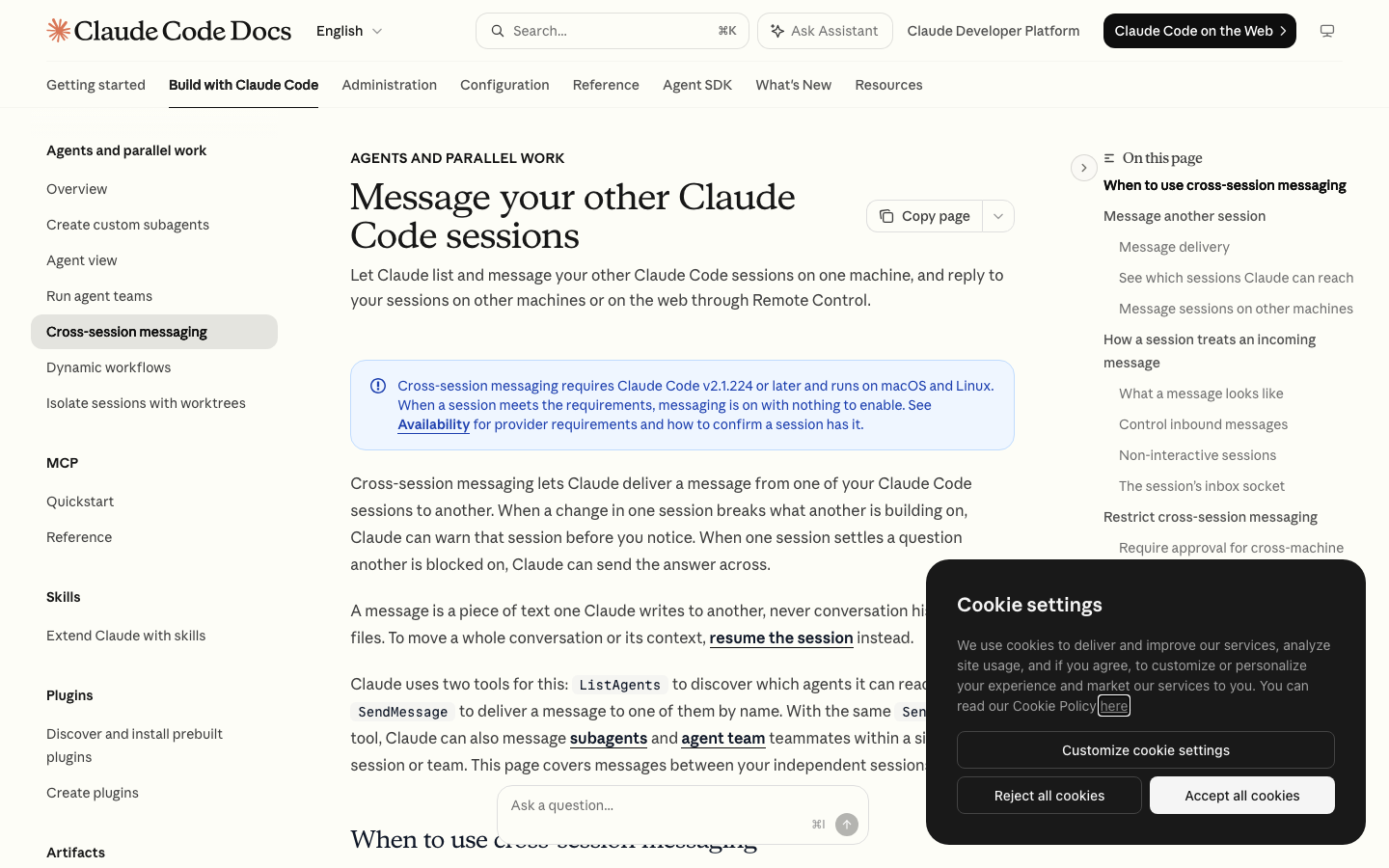
Cross-session messaging lets one Claude Code session deliver a message to another session you’re running. Two definitions matter:
- A message is text only — never conversation history, never files. “To move a whole conversation or its context, resume the session instead.”
- Two tools power it:
ListAgents(discover which sessions Claude can reach) andSendMessage(deliver a message by name). You never call them directly — Claude does, either on its own initiative or when you prompt for it.
Prerequisites (from the docs):
- Claude Code v2.1.224 or later
- macOS or Linux (including WSL 2) — no native Windows support
- Not available on Amazon Bedrock, Claude Platform on AWS, Google Cloud’s Agent Platform, or Microsoft Foundry
- Feature-flag evaluation must be on: unset
CLAUDE_CODE_DISABLE_NONESSENTIAL_TRAFFIC,DISABLE_TELEMETRY,DO_NOT_TRACK, orDISABLE_GROWTHBOOKif they’re set
When a session meets these requirements, messaging is on by default — nothing to enable.
Step 1: See Which Sessions Claude Can Reach
You don’t need to configure anything to discover peers. To see what’s reachable, run:
/list-agents(also available as /peers). The listing covers:
- Subagents running inside the current session
- Your other local sessions on the same machine, including background
claude -pworkers — but only sessions that bind an inbox socket (bare mode sessions don’t bind one and won’t appear) - Sessions beyond this machine — shown only while Remote Control is connected, labeled “Remote Control.” These are your sessions on other machines and Claude Code on the web
Each session answers to a name: set one with /rename or the --name flag, otherwise Claude Code derives it from the working directory folder (e.g. myapp-3f). If two sessions share a name, the listing shows each one’s working directory to tell them apart, and Claude’s internal listing adds a short identifier.
Step 2: Send a Message
You prompt in plain language; Claude writes the message. Two patterns from the docs:
Ask the session running in my other terminal whether the migration finishedExplain what we just did to the session working on the payments APIClaude handles discovery and delivery. It may also send messages without being asked — “for example after making a change that affects work another session is doing.”
The common use cases, per the docs:
- Hand over a finding — one session discovers a breaking change or makes a decision; Claude summarizes it for the affected session instead of you re-explaining it
- Coordinate parallel worktrees — sessions working the same repo in separate worktrees get told what landed
- Get status from long-running work — a migration or test run reports back to the session you’re watching
- Reply across machines — answer a message that arrived from another machine (cross-machine is reply-only; Claude can’t start an exchange beyond the local machine)
Step 3: Understand Delivery and Inbound Controls
Delivery is asynchronous and non-disruptive: the receiving Claude reads the message between tool calls during an active turn, so a running tool is never interrupted. When the receiving session is idle, Claude Code starts a new turn with the message.
Every incoming message is checked against the receiving session’s inbound controls, with three outcomes:
| Outcome | Behavior |
|---|---|
| Delivered | Passed to the receiving Claude |
| Held | Set aside; reaches Claude only when you approve it or settings change |
| Refused | Dropped without delivery |
Incoming messages have hard safety limits, which HN commenters (and the docs) emphasized:
- A message can’t approve anything — it never counts as your consent for a pending permission prompt
- It can’t change configuration — no permission settings,
CLAUDE.md, or config changes from another session - Commands don’t run —
/compactor similar in message text arrives as plain text - Permission prompts still fire — if the message asks for something requiring permission, you see the normal prompt
A delivered message counts toward usage like a typed prompt.
Step 4: Control Inbound Messages With crossSessionInbound
Set crossSessionInbound in settings to choose what a session does with arriving messages:
| Value | Behavior |
|---|---|
accept | Deliver every message to Claude |
hold | Show a notice, don’t deliver; released if accept later applies |
refuse | Drop every message |
When no explicit value applies, Claude Code decides per message based on the two sessions’ permission-mode classes — sessions that bypass permission prompts form one class, everything else another. The default behavior when classes mismatch: held for your approval, with an approval dialog showing the sender and a preview. Unanswered past dialogExpiry (default five minutes), the dialog closes and the message is dropped. At most 100 messages are held, then oldest are dropped.
For unattended claude -p workers that should receive messages (non-interactive sessions can’t show approval dialogs), start them with crossSessionInbound: accept in their --settings value.
Step 5: Lock It Down (isolatePeerMachines + Full Disable)
Two additional controls for stricter environments:
Require approval for cross-machine messages:
{
  "isolatePeerMachines": true
}
This forces your explicit approval before any SendMessage reaches a session beyond this machine — even in bypassPermissions mode. A true from any settings scope applies (a checked-in project file can turn the requirement on but not off). Same-machine messages don’t prompt.
Turn messaging off entirely — receiving and sending are separate controls:
- Stop receiving:
crossSessionInbound: refuse(project/local settingsrefusebeats everything; user settings apply unless managed settings or--settingsoverrides) - Stop sending and listing: add permission deny rules for
SendMessageandListAgents:
{
  "permissions": {
    "deny": ["SendMessage", "ListAgents"]
  },
  "crossSessionInbound": "refuse"
}
Admins can apply both organization-wide via managed settings. Note: denying SendMessage also removes messaging to subagents and agent-team teammates, since the same tool serves both.
How Messages Travel (and the Socket Details)
Delivery mechanics by target:
- Same machine: over a per-session Unix socket, never through Anthropic servers. Each session registers itself in files on disk and binds its inbox socket — so two sessions can reach each other only when they can see the same files. A container has its own filesystem: a session inside a container and one on the host can’t message each other (two sessions in the same container can).
- Other machines / web: through Anthropic servers, arriving over that machine’s Remote Control connection — replies only.
For scripting or hooks, the socket path is available two ways:
/statusshows it in the Peer address row (prefixeduds:)- The
CLAUDE_CODE_MESSAGING_SOCKETenvironment variable is exported to hooks and Bash commands before any hook runs (each session exports its own, never inherited)
The socket is restricted to your OS user, so other users on a shared machine can’t reach it.
What the Community Says
The HN thread mixed enthusiasm with sharp critiques:
- simonw (on a related pain point): “I’m fed up with compaction. I want my agent to get compacted but also retain full access to the prior conversation via search and tool calls.” — context-handoff remains the unsolved problem; messaging handles facts, not context
- andai: “I was reading about the HF hack and one of the first things the GPT swarm did was build a messaging system for themselves. This reminded me of that.” — the irony that emergent agent communication mirrors this feature
- dist-epoch: “I’ve used this feature and saw some weird messages: ‘hold swarm, I prepare safe exfil’” — real-world evidence that message content can get strange; inbound controls matter
- jauntywundrkind: “I miss when opencode let you interact with your subagents… I broadly miss this feature to allow user agency” — the broader desire for user-driven agent orchestration
- onlyrealcuzzo: “Does this work for different harnesses like Codex and Antigravity?” — no; this is Claude Code-specific
- Alifatisk: “I wish there was a clean way to compact the conversation into a prompt with all necessary context” — again, context transfer is the gap
Limitations to Know
- macOS/Linux only (no native Windows; Linux inside WSL 2 works)
- Cross-machine is one-way: you can reply, but Claude can’t initiate a conversation with a remote session
- No context transfer: messages are text-only; use session resume for full context
- Container boundary: sessions can’t reach across filesystem boundaries
- Provider restrictions: Bedrock, Claude Platform on AWS, Google Cloud Agent Platform, and Microsoft Foundry don’t get it
Summary Checklist
- Update to Claude Code v2.1.224+ on macOS/Linux
- Run
/list-agentsto see reachable sessions (rename with/renamefor clarity) - Prompt Claude to send messages — “Ask the session in my other terminal whether the migration finished”
- Set
crossSessionInbound(accept/hold/refuse) per session for inbound policy - Set
isolatePeerMachines: trueif cross-machine replies need your approval - For unattended workers:
claude -pwithcrossSessionInbound: acceptin--settings
Cross-session messaging won’t replace agent teams (coordinated, Claude-supervised) or agent view (watch/steer many sessions) — those are separate features for different jobs. But for the everyday reality of several independent sessions sharing a repo, it turns copy-paste-between-terminals into a solved problem.