AI-Powered Research Workflow: How to Research Smarter in 2026
Introduction
Research is one of the areas where AI delivers the most dramatic productivity gains. A task that once took days — literature review, cross-referencing, synthesis — can now be done in hours or even minutes with the right workflow.
This guide walks you through an end-to-end AI research workflow that works for academic papers, market research, competitive analysis, and content creation.
Step 1: Define Your Research Question
Before touching any AI tool, write down your research question clearly. Good questions lead to good results.
Bad: “Tell me about AI in healthcare” Good: “What are the three most significant clinical applications of large language models in radiology as of 2026?”
Step 2: Deep-Dive with Perplexity
Perplexity Pro is ideal for the initial exploration phase because it searches the web in real-time and provides citations.
How to use it:
- Enter your research question as a query
- Follow up with “What are the key papers/studies on this?”
- Use “What are the main debates or disagreements in this field?”
- Ask “Who are the leading researchers or organizations working on this?”
Save the conversation as a collection for later reference.
Step 3: Build a Knowledge Base with NotebookLM
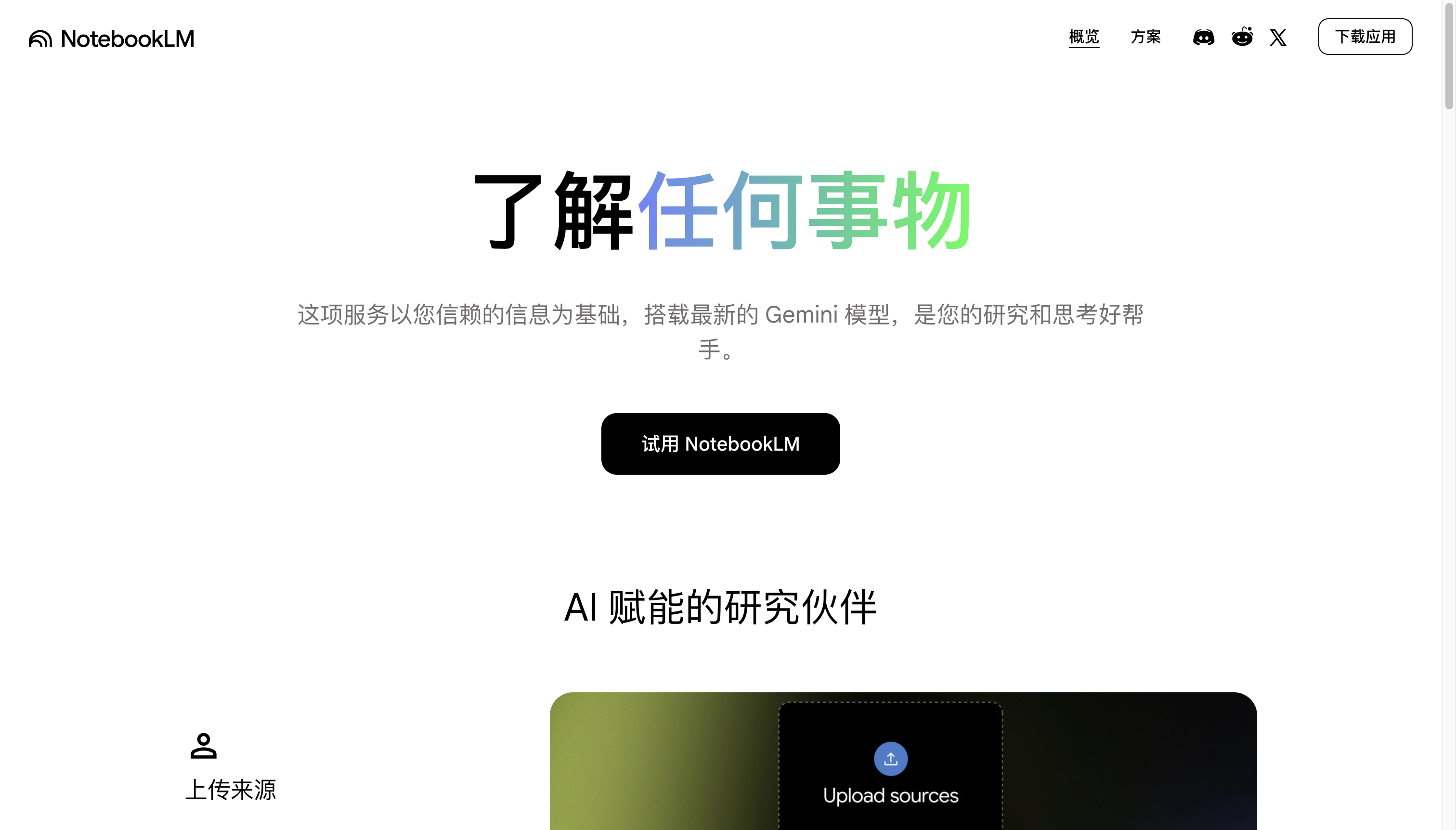
NotebookLM excels at working with specific source documents. After Perplexity gives you an overview, collect actual sources and feed them into NotebookLM.
Workflow:
- Download relevant papers, articles, and reports
- Upload them to a new NotebookLM notebook
- Ask NotebookLM to identify key themes, contradictions, and gaps
- Use the “Audio Overview” feature for a podcast-style summary of your sources
Pro tip: Create one notebook per research topic. Upload 10-20 sources per notebook for the best synthesis.
Step 4: Synthesis with ChatGPT
Use ChatGPT for the final synthesis phase. Give it the output from Perplexity and NotebookLM, then ask it to:
- “Create a structured outline for a 3000-word article on this topic”
- “Identify the three strongest arguments for each position”
- “Generate a summary suitable for an executive audience”
Key technique: Use Custom Instructions to set your context. Tell ChatGPT your audience, tone, and depth requirements upfront.
Step 5: Verification
AI can hallucinate. Always verify:
- Direct quotes — Search quoted text to confirm they’re real
- Statistics — Find the original source of any specific number
- Attributions — Ensure claims attributed to specific people/organizations are accurate
Use Perplexity to verify each claim by pasting it as a query.
Step 6: Output & Citation
Export your final output with a proper citation format. NotebookLM’s auto-citation feature is excellent for this. ChatGPT’s “Write a properly cited version” prompt also works well.
Complete Workflow Summary
Question → Perplexity (explore) → Sources → NotebookLM (analyze)
→ Synthesis → ChatGPT (write) → Verification → Perplexity (check) → Output
Time Savings
| Research Phase | Traditional | AI-Assisted | Savings |
|---|---|---|---|
| Literature discovery | 4-6 hours | 30 min | 87% |
| Reading & analysis | 8-12 hours | 1-2 hours | 83% |
| Synthesis & writing | 4-8 hours | 1-2 hours | 75% |
| Citation & formatting | 2-3 hours | 15 min | 91% |
| Total | 18-29 hours | 3-5 hours | ~80% |
Final Tips
- Start broad, then narrow — Begin with Perplexity, get the landscape, then dive deep with NotebookLM
- Keep source files organized — NotebookLM notebooks become your research archive
- Always verify — The #1 rule of AI-assisted research
- Iterate — Your first synthesis is rarely your last. Use follow-up prompts to refine
- Document your process — Save your prompts and results for future reference