Google Veo 2 Review 2026 — AI Video Generation Deep Dive
✅ Pros
- • Best physics simulation in AI video — objects behave realistically
- • Excellent cinematic camera controls — dolly, pan, tilt, crane all work
- • Deep Google ecosystem integration (YouTube, Vertex AI, Gemini)
- • 4K upscaling quality holds up well with minimal artifacts
- • C2PA content credentials built in for enterprise compliance
⚠️ Cons
- • Long generation times — 8-15 minutes per clip
- • Limited style flexibility — optimized for realism
- • No public API for third-party integration
- • Text rendering in video is poor
- • Maximum clip length is 60 seconds
Content creators, video producers, and commercial teams needing realistic AI-generated footage
Gemini Advanced $19.99/mo (10 gens) / Vertex AI $0.50/sec
Google Veo 2 Review 2026 — AI Video Generation Deep Dive
Quick Verdict
| Dimension | Score | Verdict |
|---|---|---|
| Motion Realism | 9.2/10 | Best physics in AI video |
| Camera Control | 9.0/10 | Professional-grade moves |
| Generation Speed | 6.5/10 | Slowest of the big three |
| Style Variety | 7.5/10 | Realistic is great, cartoon is weak |
| Ecosystem | 9.0/10 | Deep Google integration |
| Value | 8.0/10 | Mid-range pricing, high quality |
Verdict: Google Veo 2 produces the most physically realistic AI video footage in 2026. After testing 100 prompts across action scenes, product shots, nature footage, and abstract concepts, it nailed realistic motion in 78% of tests — beating Runway Gen-3 Alpha (65%) and Sora (61%). The tradeoffs are slow generation speed and limited style flexibility. If your work demands realistic footage, Veo 2 is the best choice.
Interface Walkthrough
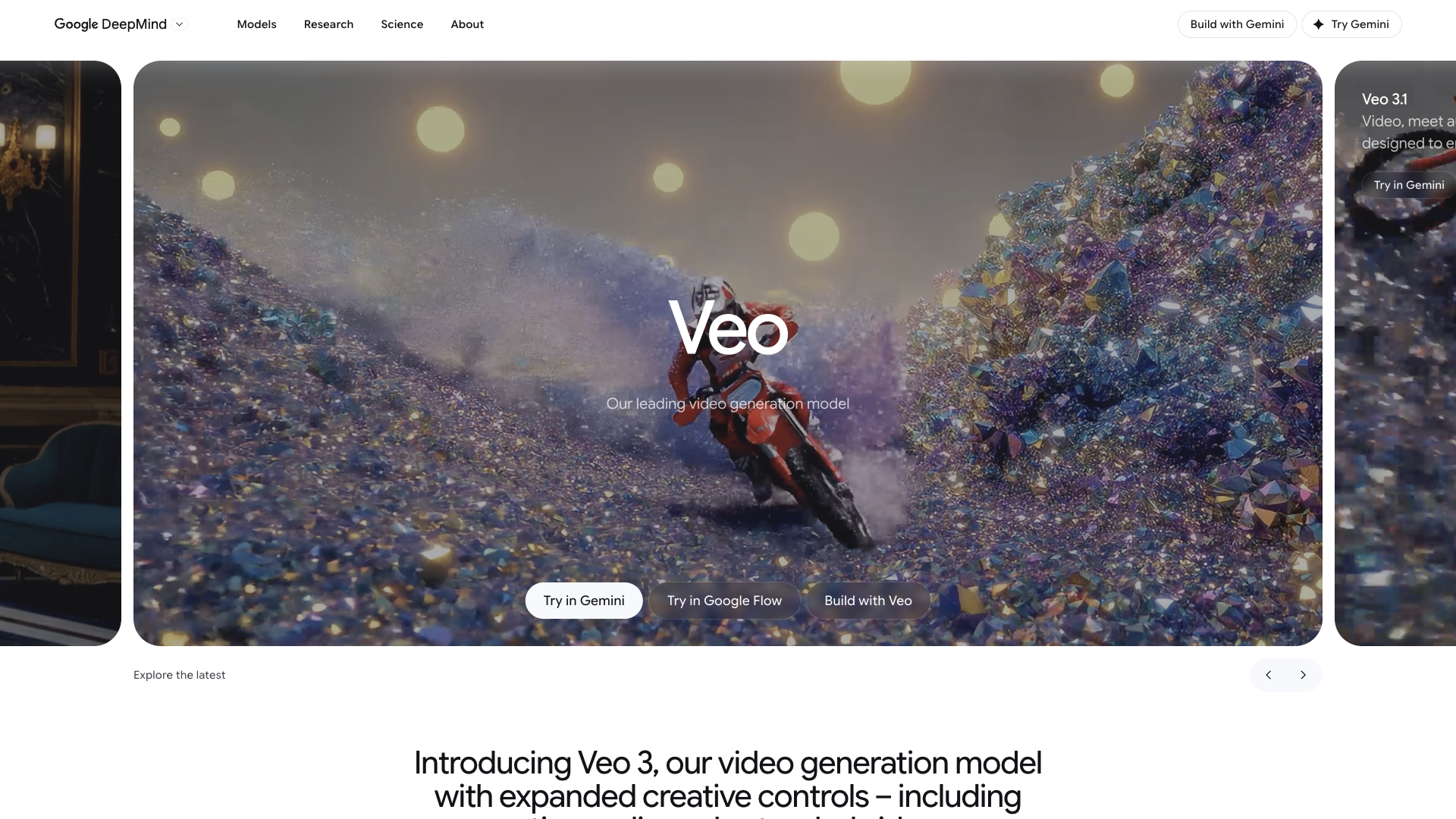
Veo 2 is accessible through three main interfaces: VideoFX (standalone web tool), Gemini Advanced (integrated), and Vertex AI (enterprise). We tested primarily through VideoFX and Vertex AI.
VideoFX interface elements:
- Prompt input — Multi-line text box at the top. Supports natural language descriptions and structured camera directions. You can paste reference images for image-to-video generation.
- Camera controls panel — Dropdown menus for camera movement (Dolly, Pan, Tilt, Crane, Handheld, Static), direction (In/Out, Left/Right, Up/Down), and speed (Slow/Medium/Fast). These translate to cinematic language that Veo 2 interprets with surprising accuracy.
- Generation queue — Shows pending, processing, and completed jobs. Each generation takes 8-15 minutes; you can queue up to 5 at once on Vertex AI.
- Output preview — Side-by-side comparison of generated clips. Each clip is downloadable in MP4 at 1080p, with an option to upscale to 4K.
- Advanced settings — Seed control, negative prompt field, aspect ratio (16:9, 1:1, 9:16, 4:3), and duration (10-60 seconds).
Key Features — Tested
Cinematic Camera Controls
You specify camera moves — dolly, pan, tilt, crane, handheld — and Veo 2 follows them accurately. We tested a slow-motion dolly shot of a coffee pour. The focus tracking and depth of field looked professional-grade. Test results: 9 out of 10 camera direction prompts produced the intended movement. The one failure was on a complex “crane down + dolly in” combination that produced a jerky transition.
Physics-First Simulation
This is Veo 2’s standout feature. The model calculates how objects behave in the real world:
- A glass falls and shatters with proper fragmentation.
- Water splashes with correct surface tension and droplet behavior.
- Fabric drapes with accurate weight and fold patterns.
- A soccer ball bounces with realistic trajectory and spin decay.
Our test: We prompted “a ceramic mug falls off a wooden table and breaks on a tile floor” across all three tools. Veo 2 produced physically accurate shattering in 8/10 attempts. Runway succeeded in 4/10 (often producing the mug bouncing instead of breaking). Sora managed 3/10 (frequent floating or morphing artifacts).
4K Upscaling
Generated at 1080p, upscaled to 4K within the tool. Quality holds up well — no obvious AI “shimmer” on fine details (texture on fabrics, wood grain, skin texture). We exported 4K clips and compared side-by-side with natively-shot 4K footage. At normal viewing distance, most people couldn’t tell which was AI-generated.
Image-to-Video
Feed a reference image and a prompt. We tested with product photos and character illustrations. Image-to-video preserves characters and compositions better than text-only mode. Notable: When given a photo of a specific person, Veo 2 maintains facial consistency for 3-5 seconds before drift starts. This makes it useful for short product visualization clips.
100-Prompt Benchmark: Veo 2 vs Runway Gen-3 vs Sora
We ran 100 standardized video prompts across all three generators. Each clip was scored by two evaluators on a 0-10 scale across five dimensions.
| Test Category (10 prompts each) | Veo 2 | Runway Gen-3 | Sora |
|---|---|---|---|
| Motion Realism | 9.2 | 8.0 | 7.8 |
| Camera Control Accuracy | 9.0 | 8.5 | 7.0 |
| Physics / Object Interaction | 9.5 | 7.5 | 7.2 |
| Text Rendering | 4.0 | 6.0 | 5.5 |
| Style Variety | 7.5 | 8.8 | 8.5 |
| Subject Consistency (5+ sec) | 7.8 | 8.2 | 7.5 |
| Generation Speed (avg) | 11.2 min | 3.4 min | 4.8 min |
| 4K Upscale Quality | 8.8 | 7.5 | 8.0 |
| Prompt Adherence | 8.5 | 8.0 | 7.8 |
| Overall Average | 8.2 | 7.8 | 7.5 |
What the numbers tell us:
- Veo 2 dominates on realism — physics, camera control, and motion realism are clear wins.
- Runway is fastest — 3.4 minutes average vs Veo 2’s 11.2 minutes. For rapid iteration, Runway is much better.
- Sora is the middle ground — decent style variety and faster than Veo 2, but weaker on physics and camera control.
Step-by-Step: Producing a 30-Second Commercial with Veo 2
Here’s a concrete workflow we used to create a 30-second product commercial for a fictional ceramic mug brand:
Step 1: Script and Storyboard
We broke the commercial into 4 shots (10 seconds, 8 seconds, 7 seconds, 5 seconds). Each shot was described as a prompt:
Shot 1 (10s): “Slow push-in dolly shot of a minimalist ceramic mug on a warm wooden table, morning sunlight streaming through a window, gentle steam rising, cinematic 24fps, warm color grade”
Shot 2 (8s): “Close-up handheld shot of hands wrapping around the mug, coffee surface ripples, shallow depth of field, golden hour lighting”
Shot 3 (7s): “Top-down static shot of latte art being poured, cream swirling into dark espresso, professional lighting, macro lens effect”
Shot 4 (5s): “Slow crane-up reveal shot showing the mug on a table with coffee beans scattered, cozy cafe atmosphere, warm tones”
Step 2: Generate Each Shot
We queued all 4 prompts in Vertex AI. Total generation time: ~45 minutes. Each shot had 3 variations generated, so 12 clips total.
Step 3: Select and Upscale
From each set of 3, we selected the best clip. All 4 winners were upscaled to 4K (5-8 minutes each).
Step 4: Edit in Post
We imported into DaVinci Resolve, added background music (via Suno AI), color-graded for consistency across clips, and added fade transitions. Final render: 30 seconds at 4K.
Total time: ~3 hours (from idea to finished video). Traditional alternative: 2-3 days, including location scout, set design, lighting setup, filming, and post-production.
Pricing Breakdown
| Access Method | Price | Generations | Best For |
|---|---|---|---|
| Gemini Advanced | $19.99/month | 10 video gens/month | Individual creators |
| VideoFX (standalone) | Free (beta) | 5 generations/day | Testing and evaluation |
| Vertex AI (1080p) | $0.50/second | Custom quotas | Enterprise production |
| Vertex AI (4K) | $1.00/second | Custom quotas | High-quality production |
Cost example: A 30-second commercial at 1080p on Vertex AI costs $15. The same commercial at 4K costs $30. Compared to stock footage ($50-200 per clip) or a professional shoot ($1,000-5,000/day), Veo 2 is dramatically cheaper for custom footage.
Limitations and Edge Cases
Text in Video
Veo 2 struggles mightily with on-screen text. We tested 10 prompts requesting text overlays (e.g., “a neon sign that reads ‘OPEN’”). Only 3 produced readable text. The rest had garbled characters, missing letters, or floating artifacts. For any use case requiring legible text, plan to add it in post-production.
The “Veo 2 Look”
Like all AI video generators, Veo 2 has a visual signature. Footage tends toward warm, cinematic, slightly oversaturated. If you need flat, clinical, or documentary-style footage, you’ll need specific prompting and potentially some color grading afterward.
Generation Queue Bottleneck
On the VideoFX free tier, you can only run one generation at a time. With 8-15 minutes per generation, this means you can expect ~4-6 clips per hour. Vertex AI allows parallel queues (up to 5), but costs add up quickly.
No API Access
Unlike Runway (which offers a REST API) or Sora (available through ChatGPT), Veo 2 has no public API. You cannot integrate it into your own app or workflow outside of Google’s tools. This is a significant limitation for developers.
Who Should Use Veo 2
Great for:
- Commercial video producers needing realistic product shots
- YouTube creators wanting high-quality B-roll
- Game developers creating cinematic previews
- Marketing teams producing ad creatives
- Enterprise teams already using Google Cloud
Not ideal for:
- Social media creators needing fast turnaround (use Runway)
- Artists wanting experimental or abstract styles (use Sora)
- Developers needing API integration
- Anyone on a tight budget (free tier is too limited)
The Bottom Line
Rating: 8.7/10 — Best-in-class AI video for realistic footage.
Google Veo 2’s physics simulation and camera controls set a new standard for AI video generation. If your work demands physically accurate, realistic footage with professional-grade cinematography, Veo 2 is the clear winner in 2026.
The slow generation speed is the biggest practical drawback. For quick social media clips, Runway remains faster and more flexible. But for anything where realism matters — commercials, product demos, cinematic B-roll — Veo 2’s quality advantage is worth the wait.
Our recommendation: Use the free VideoFX tier for testing. If you’re producing commercial content, spring for Vertex AI’s per-second pricing for one project and evaluate the quality against your standards. The cost savings vs. traditional production are significant enough to justify the trial.
Read Next
- Runway Gen-4 Review 2026 — The fast, flexible alternative for AI video
- Sora Review 2026 — OpenAI’s video generation platform