anything2explainer Review 2026 — Turn Any Topic Into a Code-Drawn Explainer Video With an AI Coding Agent
✅ Pros
- • It refuses the easy path in a way that matters: no stock footage, no generative video model, no frames lifted from anyone else's work — every frame is a pure, seeded function of the frame number drawn with Remotion (React plus TypeScript), so a wrong number on screen can be fixed by editing one shot file rather than re-rolling a model until it looks right
- • The method is the deliverable, not just the template: the repo ships a compilable Remotion project, a primitives and lighting library, tooling for voiceover, storyboard, rendering and quantitative QC, written style and motion specs, a multi-agent division-of-labour protocol, and one complete reference film as the quality bar
- • The pipeline is genuinely end-to-end and honest about time: it researches the topic with sources, writes the narration, generates the voiceover and a frame-accurate word-boundary timeline, storyboards every shot, dispatches parallel build agents that each write one Remotion component per shot, then runs QC agents against written criteria before delivery — roughly one to three hours of wall clock depending on length
- • Four checkpoints stop the agent instead of letting it plough through: length and language before the script, narration sign-off before voiceover, TTS-engine choice before the voice is generated, and a rendered first thirty seconds before the remaining build groups are dispatched — each staged so that a change costs one group rather than the whole film
- • Facts have to be sourced to reach the screen: every number, year, organisation and English term shown on screen or spoken in narration must trace back to a source URL in that film's research document, and anything unverified stays off the screen and out of the narration — a rare editorial constraint in an AI video tool
- • The engineering details are thought through for real users: renders are reproducible because animations are pure functions with seeded randomness and text fitting is computed rather than measured in the DOM; there is no GPU requirement because Remotion renders through headless Chromium on the CPU; and Linux / ARM is verified on a Raspberry Pi 5 with documented workarounds for the missing linux-arm64 browser and the kokoro install problem
⚠️ Cons
- • The licence is PolyForm Noncommercial: free for noncommercial use, but commercial use requires prior authorization from the author (the videos you make with it are yours, and four bundled fonts are separately SIL OFL, but the toolkit itself is not permissive) — a real constraint for agencies and product teams, and one easy to miss behind the star count
- • There is exactly one visual style with exactly one switch (a star-field or dot-field backdrop); changing anything else means editing the style guide and the UI primitives yourself, so every video made with it will look like every other video made with it, which is either the point or a dealbreaker depending on your brand
- • Once the narration is voiced the words are frozen, because shot code hard-codes frame numbers and changing one word re-times the entire film — the README calls narration sign-off the cheapest place to intervene, but it also means the fail-fast boundary is early and unforgiving
- • Parallel builds are resource-hungry and capped: several agents bundle Remotion at once, so you are told to keep at least 5 GB free, and tmux panes are capped, so past about twelve you must dispatch builds in waves — this is not a tool you run casually on a laptop that is also doing something else
- • It is one answer to a narrow question: the reference film is a Chinese cut ('RAG and Knowledge Bases', about four and a half minutes, eight parallel build agents, two QC rounds), both output languages are supported but the written paper trail is from the Chinese cut, there is no vertical 9:16 format at all, and the whole thing assumes you already run Claude Code or Codex and are willing to orchestrate a small swarm
- • At review time it is days old with no tagged release and no CI signal to judge maintenance on, the author is upfront that the visual language is 'inspired by' a specific Douyin creator (attribution is given, and all frames are drawn from scratch, but the lineage is worth knowing before you build a brand on it), and the intended quality bar is a sample film you are expected to match rather than a template that guarantees output
Creators, educators and developer-advocates who make technical explainer or science-communication videos and already use Claude Code or Codex — people who want deterministic, code-drawn motion graphics with sourced facts and word-aligned subtitles rather than prompt-to-pixel generative video, who are willing to spend one to three hours of agent time per film, and who can live with noncommercial licensing and a single locked visual style
Free for noncommercial use under the PolyForm Noncommercial 1.0.0 licence (commercial use requires prior authorization from the author; videos you produce are yours). Clone the repository and symlink it into ~/.claude/skills/ or ~/.codex/skills/. Requires Node 18+, ffmpeg, a Python virtual environment with edge-tts (pinned to 7.2.8), numpy, pillow and scipy, and optionally kokoro-82m plus espeak-ng for the local English voice. Remotion has its own licensing terms for companies. No GPU and no paid API key are required for the default CPU rendering path.
What anything2explainer Is
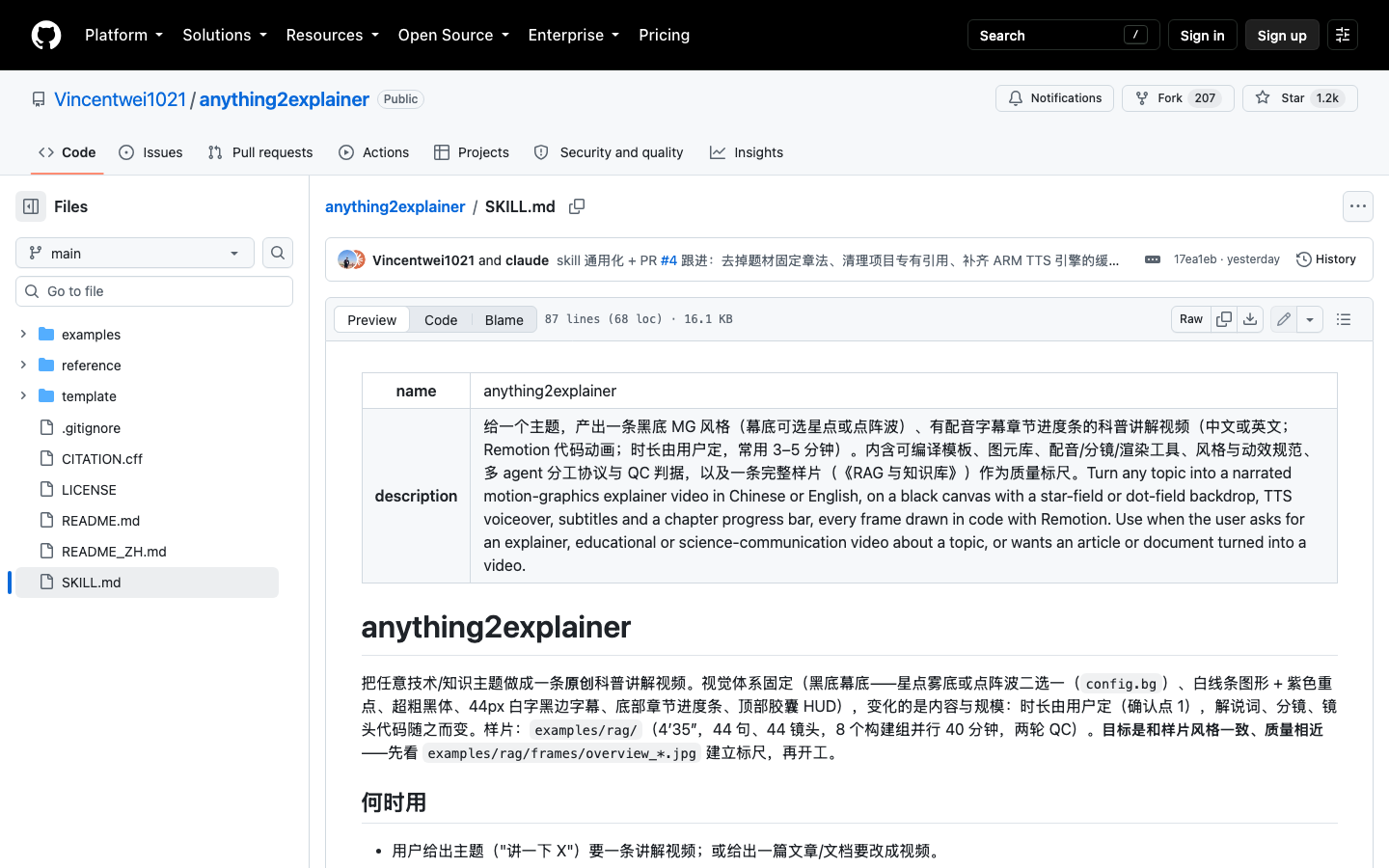
anything2explainer is a Claude Code / Codex skill that turns a topic into a black-canvas motion-graphics explainer video with TTS voiceover, subtitles and a chapter progress bar, in Chinese or English. It is worth stating what it is not: it is not a CLI, and it is not a generative video model. Every frame is drawn in code with Remotion — React plus TypeScript — with no stock footage and no frames lifted from anyone else’s work.
What ships is the whole method an AI coding agent needs to finish the film: a compilable Remotion template, a primitives and lighting library, tooling for voiceover, storyboard, rendering and quantitative QC, written style and motion specs, a multi-agent division-of-labour protocol, and one complete reference film as the quality bar. You do not prompt for a video; you hand an agent a topic and it walks nine stages to build one.
The Pipeline
The input is a topic (“explain vector databases”) or an article or document to convert, plus a length and a language. The output is a 1280×720 H.264 MP4 at 30fps with synchronised voiceover, word-boundary-aligned subtitles, chapter cards, a top HUD and a bottom chapter progress bar — plus the full paper trail: a research document with sources, the narration, the storyboard, per-shot source code and the QC reports.
The skill triggers itself in Claude Code or Codex (“Make me an explainer video about vector databases”), then runs the stages in SKILL.md: scaffold the Remotion project; research (one agent producing a sourced document with a list of numbers, analogies and a URL for every item); write narration and generate the voiceover with per-word boundaries turned into a frame-accurate timeline; storyboard one line per shot; build overlays and two to five topic-specific icons; pilot the first shot group and render thirty seconds; build the remaining groups in parallel, five to seven shots per agent, each writing pure-function Remotion components; render the full film and run quantitative frame metrics; then run one QC agent per chapter, fix agents per group, re-verify, and write delivery notes.
Length drives scale, and the repository prints the table rather than pretending it is free: a 2–3 minute film is 24–32 shots across 4–6 build agents in about an hour; the 3–5 minute “reference tier” is 40–50 shots and 8 agents in about two hours; a 5–8 minute film is 60–80 shots, 10–14 agents, two to three hours and about 3 GB of disk.
The Four Checkpoints
The most mature design decision here is that the agent stops and waits at exactly four points instead of ploughing through. Length and language are confirmed before the script is written, because they determine the shot count and how many agents run in parallel. Narration sign-off comes before voiceover, because once locked, frame numbers are hard-coded into every shot and changing one word re-times the film — the cheapest place to intervene. Voiceover asks whether you have a preferred TTS before it generates (defaults: edge-tts zh-CN-YunxiNeural for Chinese, locally-run kokoro-82m am_liam for English). And the first thirty seconds are rendered before the rest of the groups are dispatched, so a style fix costs one group rather than every group.
Rendering, Reproducibility and Platforms
There is no GPU requirement — Remotion renders through headless Chromium on the CPU — and the Chinese default voice is a free cloud call while the English default (kokoro-82m, an 82M-parameter model) runs locally. Renders are reproducible because every animation is a pure function of the frame number with seeded randomness and text fitting is computed rather than measured in the DOM. Linux and ARM are verified on a Raspberry Pi 5, with documented workarounds for Remotion’s lack of a linux-arm64 headless browser and for kokoro’s hard install on ARM (kokoro-onnx and piper are offered as alternatives).
Where It Is Weak
The constraints are real and clearly stated. The licence is PolyForm Noncommercial — fine for creators and educators, a genuine blocker for agencies and product teams without prior authorization. There is one visual style with one switch (star-field or dot-field backdrop); everything made with it will share a look, which is either the point or a dealbreaker. Narration is frozen after voiceover, an unforgiving fail-fast boundary. Parallel builds are resource-hungry — keep at least 5 GB free and expect to dispatch in waves past about twelve tmux panes. And it is days old with no tagged release and no CI signal, its visual lineage is openly attributed to a Douyin creator (all frames drawn from scratch, attribution given), and it supports neither vertical 9:16 nor anything beyond Chinese and English.
The originality rules are worth crediting: every frame is code-drawn, any optional live-action B-roll must be royalty-free and logged with a sha256 manifest, and every on-screen fact must trace to a source URL. In a category awash with prompt-to-pixel tools that hallucinate diagrams, that discipline is the differentiator.
At 7.8/10 anything2explainer earns Silver-plus for shipping a complete, thoughtful production method — sourced facts, checkpointed orchestration, reproducible code-drawn frames, CPU-only rendering — rather than a one-shot video generator. It loses ground for a noncommercial licence, a single locked style, and the demanding, swarm-heavy workflow it assumes you can run.
Who Should Care
If you already use Claude Code or Codex, make technical explainer content, and want deterministic, code-drawn motion graphics with sourced facts and word-aligned subtitles rather than a model that re-rolls until the numbers look plausible, this is one of the most complete agent-skill pipelines in the wild. Budget one to three hours and a few gigabytes, expect to match the reference film’s quality bar rather than improve on it, and read the licence before you use it for client work. If you want prompt-to-pixel video, live-action footage, vertical formats or a permissive licence, look elsewhere.