Best Open-Source Video Generation Tools 2026: html-video vs Remotion vs Motion Canvas vs Hyperframes
Quick Overview
The open-source programmatic video generation space has matured rapidly in 2026. Four tools now lead the category: html-video (agent-powered, Apache-2.0, 3,332 stars), Remotion (React-based, source-available, established community), Motion Canvas (TypeScript-native, MIT), and Hyperframes (HTML+CSS+GSAP, Apache-2.0, the default engine behind html-video).
Each takes a fundamentally different approach to turning code into MP4:
| Tool | Paradigm | License | GitHub Stars | Best For |
|---|---|---|---|---|
| html-video | Agent-authored HTML → MP4 | Apache-2.0 | 3,332 | Developers using coding agents for video |
| Remotion | React components → MP4 | Source-available | 25,000+ | React developers, complex animations |
| Motion Canvas | TypeScript Canvas API → MP4 | MIT | 18,000+ | Technical animations, explainer videos |
| Hyperframes | HTML + CSS + GSAP → MP4 | Apache-2.0 | 5,000+ | Designers comfortable with HTML/CSS |
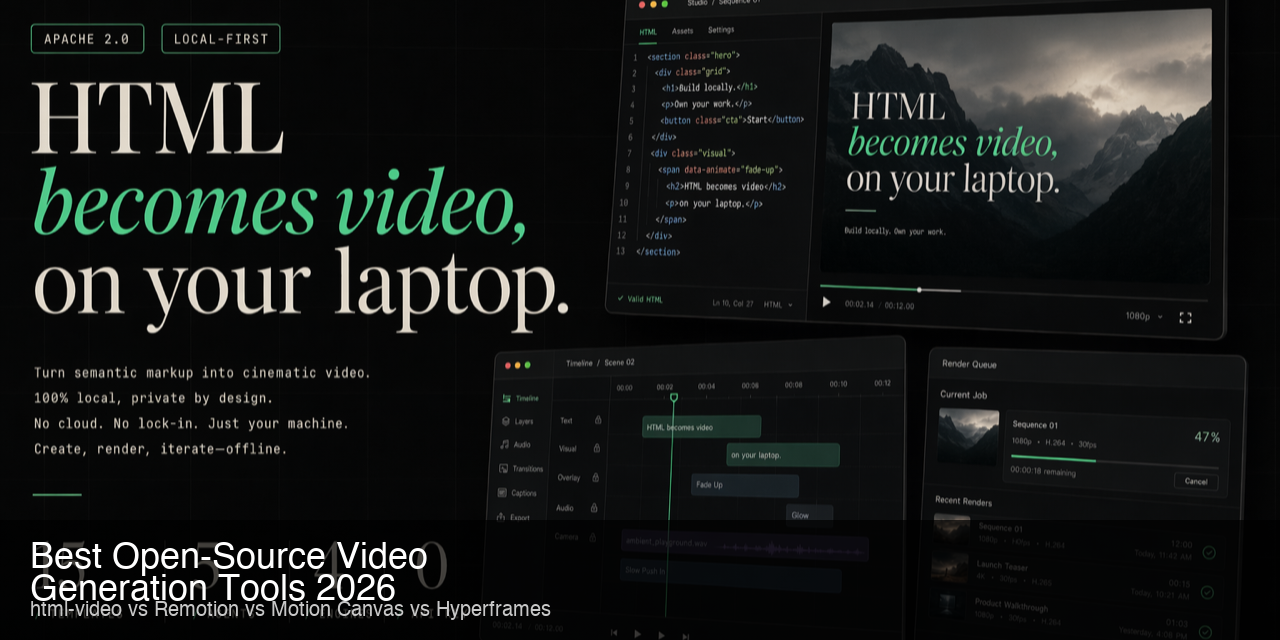
html-video is the newest entrant (May 2026) but brings a unique angle: instead of writing code directly, you describe the video to a coding agent, and the agent authors the HTML, which html-video renders to MP4. This agent-native workflow is unmatched by any other tool in the category.
Feature Comparison
Core Capabilities
| Feature | html-video | Remotion | Motion Canvas | Hyperframes |
|---|---|---|---|---|
| Primary Authoring | Natural language → agent writes HTML | React components | TypeScript + Canvas API | HTML + CSS + GSAP |
| Rendering Engine | Hyperframes + ffmpeg | Chromium + Puppeteer | Canvas + ffmpeg | Chromium + ffmpeg |
| Output Format | MP4, GIF | MP4, WebM, GIF | MP4, GIF | MP4, GIF |
| Templates Provided | 21 curated | Community | Community | ~15 built-in |
| Agent-Native | ✅ Designed for coding agents | ❌ Code-driven | ❌ Code-driven | ⚠️ Usable by agents |
| AI Soundtrack | ✅ Pluggable (MiniMax, etc.) | ❌ Separate tool | ❌ Separate tool | ❌ Built-in audio gen |
| AI Narration | ✅ Pluggable TTS | ❌ Separate tool | ❌ Separate tool | ❌ Built-in TTS |
Developer Experience
| Dimension | html-video | Remotion | Motion Canvas | Hyperframes |
|---|---|---|---|---|
| Setup Time | ~5 min (npm + ffmpeg) | ~10 min (npx create) | ~5 min (npm create) | ~3 min (include with html-video) |
| Learning Curve | Low (describe in English) | Medium (React + components) | Medium (TypeScript + Canvas) | Low-Medium (HTML/CSS) |
| Minimum Code | 0 (just a prompt) | Write React components | Write TypeScript | Write HTML/CSS |
| Live Preview | ✅ Browser preview | ✅ Studio | ✅ Editor | ✅ Browser |
| Iteration Speed | Fast (agent edits HTML) | Medium (React rebuild) | Medium (TS rebuild) | Fast (CSS hot reload) |
Template Ecosystem
| Feature | html-video | Remotion | Motion Canvas | Hyperframes |
|---|---|---|---|---|
| Official Templates | 21 (data viz, titles, promos, intros, outros) | 10+ starter templates | 5+ starter scenes | ~15 scenes (included) |
| Community Templates | Growing (GitHub) | Extensive (remotion.dev/templates) | Moderate (GitHub) | Small (early stage) |
| Custom Template Ease | Easy (edit HTML) | Medium (React component) | Medium (TS class) | Easy (edit HTML) |
| Template Complexity | Single-file HTML | Multi-file components | Single-file scenes | Single-file HTML |
Agent & Integration
| Feature | html-video | Remotion | Motion Canvas | Hyperframes |
|---|---|---|---|---|
| Coding Agent Support | 14+ backends (Claude Code, Cursor, Codex, Gemini, Copilot, etc.) | Manual React coding | Manual TypeScript coding | Agent-friendly (HTML) |
| CLI Required | ✅ Yes (coding agent CLI) | ✅ Yes (npx remotion) | ✅ Yes (npx motion-canvas) | ✅ Yes |
| CI/CD Pipeline Fit | ✅ Excellent (headless) | ✅ Excellent | ✅ Good | ✅ Excellent |
| URL → Video | ✅ Native feature | ❌ | ❌ | ❌ |
| GitHub Repo → Video | ✅ Native feature | ❌ | ❌ | ❌ |
Pricing Comparison
| Tool | License | Cost | Per-Render Fee | Commercial Use |
|---|---|---|---|---|
| html-video | Apache-2.0 | Free — $0 | $0 | ✅ Unlimited |
| Remotion | Source-available | Free (≤4 devs) | $0 | ⚠️ License for >4 devs |
| Motion Canvas | MIT | Free — $0 | $0 | ✅ Unlimited |
| Hyperframes | Apache-2.0 | Free — $0 | $0 | ✅ Unlimited |
The only costs: your machine’s compute, your coding agent subscription ($10-20/mo), and optional TTS/audio API fees.
Tool-by-Tool Breakdown
html-video (Rating: 8.0/10)
html-video is the only tool designed from the ground up for agent-driven video creation. Instead of writing code yourself, you describe the video in natural language — or paste a URL / GitHub repo — and your coding agent does the creative and technical work.
Strengths:
- Zero manual coding for video creation — prompt in English, get MP4
- 21 polished templates covering data viz, title cards, cinematic intros, and product promos
- AI soundtrack and narration built in (pluggable providers)
- URL-to-video and repo-to-video features are genuinely innovative
- Apache-2.0 license — build commercial products on top without restrictions
- 14+ coding agent backends supported
Weaknesses:
- Requires ffmpeg and a coding agent CLI — not a web app
- Rendering is CPU-bound on your machine (can be slow for complex scenes)
- 21 templates is good but limited vs. Canva or Premiere Pro libraries
- AI narration quality depends on your TTS setup
Best for: Developers and content ops who want to generate video from data, articles, or prompts with minimal manual effort.
Remotion (Rating: 8.5/10)
Remotion is the most mature programmatic video tool with the largest community. You write React components that get rendered frame-by-frame to MP4. Its studio provides timeline scrubbing, frame-accurate editing, and compositing capabilities familiar to video editors.
Strengths:
- Most mature ecosystem (25k+ stars, extensive docs, large community)
- Frame-accurate rendering with timeline controls
- React ecosystem — use any npm package for animations, graphics, data
- Excellent for complex, multi-layered compositions
- Studio dev tooling (time travel, hot reload, compositor)
Weaknesses:
- Requires React knowledge — can’t just prompt in natural language
- Source-available license restricts usage for teams >4 developers
- No built-in AI audio or narration
- Setup is heavier (Node.js, Chromium, Puppeteer)
Best for: React developers who need precise, frame-accurate programmatic video with complex compositing.
Motion Canvas (Rating: 8.0/10)
Motion Canvas is the developer’s choice for technical animations. Instead of HTML or React, you write TypeScript that draws directly to a Canvas element. The result is buttery-smooth animations with nanosecond-level timing control.
Strengths:
- MIT licensed — most permissive of the group
- Best for mathematical, scientific, and technical visuals
- TypeScript-first — feels natural for developers
- Excellent animation interpolation and easing
- Lightweight rendering pipeline
Weaknesses:
- Canvas API limits design complexity vs. HTML/CSS
- Smaller template ecosystem
- No built-in audio pipeline
- Steeper learning curve for non-TypeScript users
Best for: Developers creating technical explainers, algorithm visualizations, and math/science content.
Hyperframes (Rating: 7.5/10)
Hyperframes is the default rendering engine for html-video but also available as a standalone tool. It loads HTML scenes in headless Chromium and captures frames at configurable rates, with CSS animations and GSAP transitions.
Strengths:
- HTML + CSS native — familiar to any web developer
- GSAP animations for professional motion design
- Included with html-video (no separate install)
- Fast rendering for simple scenes
Weaknesses:
- Limited as a standalone tool (html-video unlocks its full potential)
- Smaller community than Remotion or Motion Canvas
- No React/TypeScript support — HTML/CSS only
- Windows rendering is experimental
Best for: Web developers who want HTML-native video rendering with html-video as the authoring layer.
Use Case Recommendations
”I want to turn articles into videos automatically”
→ html-video — paste a URL, get an MP4. No other tool comes close.
”I need frame-accurate, complex video compositions”
→ Remotion — React components with timeline control give you full precision.
”I’m creating technical explainers and algorithm visualizations”
→ Motion Canvas — TypeScript Canvas API is perfect for math and code animations.
”I want an automated video pipeline in CI/CD”
→ html-video or Remotion — both have excellent headless rendering support.
”I don’t want to write code — just describe videos”
→ html-video — natural language prompts produce real MP4s.
”I need permissive licensing for a commercial product”
→ html-video (Apache-2.0), Motion Canvas (MIT), or Hyperframes (Apache-2.0). Avoid Remotion for >4 dev teams without a commercial license.
Winner by Category
| Category | Winner | Why |
|---|---|---|
| Best Overall | html-video | Agent-native + Apache-2.0 + templates + AI audio — the most complete package |
| Best for React Devs | Remotion | Unmatched ecosystem and tooling for React-based video |
| Best for Technical Animations | Motion Canvas | TypeScript Canvas API for precise, mathematical visuals |
| Best Rendering Engine | Hyperframes | Fast, HTML-native, included with html-video |
| Best License | Motion Canvas (MIT) | Most permissive, no restrictions |
| Best Innovation | html-video | URL-to-video and agent-driven workflow are genuinely new |
FAQ
Q: Which tool requires the least coding skill? A: html-video — you describe the video in natural language to a coding agent. No direct coding required.
Q: Can I use these for commercial products? A: html-video (Apache-2.0), Motion Canvas (MIT), and Hyperframes (Apache-2.0) allow unrestricted commercial use. Remotion’s license restricts teams with more than 4 developers.
Q: Which has the best template library? A: html-video ships 21 curated templates out of the box. Remotion has the largest community template ecosystem, but html-video’s templates are more polished for common use cases.
Q: Do any support AI audio narration? A: Only html-video has built-in but pluggable AI narration and soundtrack generation. Remotion and Motion Canvas require external tools for audio.
Q: Which is best for automated content pipelines? A: html-video’s URL-to-video and repo-to-video features make it uniquely suited for automated content pipelines. Remotion also works well in CI/CD for template-based video generation.
Q: Do I need a GPU? A: No — all four tools use CPU-based rendering via ffmpeg or headless Chromium. A fast CPU and sufficient RAM matter more than GPU.
Q: Can I use html-video without a coding agent? A: Technically yes — you can write the HTML scenes yourself and use html-video just for rendering. But the agent-driven workflow is its primary value proposition.
Final Verdict
The open-source video generation landscape in 2026 offers strong options for every workflow. html-video leads as the most innovative entry, bringing agent-native video creation to anyone with a coding agent subscription. Remotion remains the gold standard for React-based, frame-accurate video production. Motion Canvas owns the technical animation niche. Hyperframes provides a solid HTML rendering backbone.
Our recommendation: start with html-video for agent-driven content pipelines and quick video generation. Use Remotion for projects requiring complex compositing and frame-level control. Keep Motion Canvas in your back pocket for technical and mathematical animations.
If we had to pick one tool for a daily driver in 2026, it’s html-video — the agent-native paradigm shift makes video generation accessible to non-specialists while staying powerful enough for production use.