AI Agent Frameworks Compared 2026 — LangChain vs CrewAI vs AutoGen vs LangGraph
Quick Verdict
After building the same multi-agent research pipeline across all four frameworks, here’s the ranking: CrewAI wins for rapid prototyping (you’ll have a working agent team in under 30 minutes), LangGraph wins for production (the only framework that didn’t collapse under concurrent workloads), LangChain wins for ecosystem size (6,000+ integrations), and AutoGen wins for enterprise Microsoft shops (native Azure integration).
The real headline: these frameworks are converging fast. LangChain now has first-class LangGraph integration for agents. CrewAI added LangChain tool compatibility. AutoGen rebuilt on an event-driven architecture similar to LangGraph. By mid-2026, the differences are more about workflow philosophy than technical capability.
Framework Overview
LangChain
GitHub: langchain-ai/langchain
Latest: 0.3.x (2026) | License: MIT | Language: Python, JS/TS
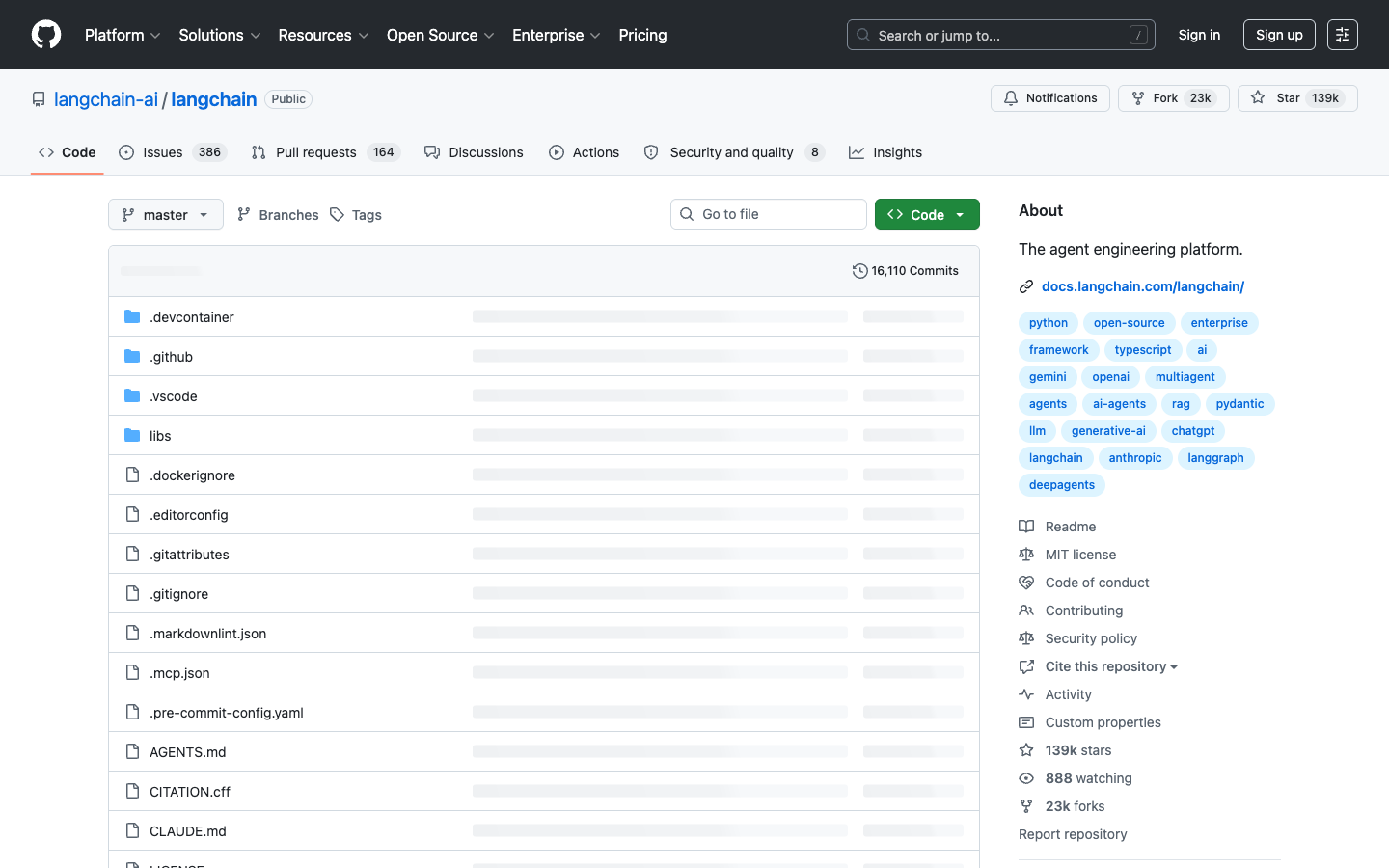
LangChain is the established framework for building LLM-powered applications. With 100,000+ GitHub stars, it offers the largest ecosystem of integrations (6,000+ tools and connectors) and the most comprehensive documentation. LangChain’s strength is connecting LLMs to external data sources and tools — it’s less opinionated about agent architecture, leaving that to LangGraph.
CrewAI
GitHub: crewAIInc/crewAI
Latest: 0.30+ (2026) | License: MIT | Language: Python
CrewAI frames AI agents as a “crew” with defined roles (Researcher, Writer, Reviewer). Each agent has a role, goal, and backstory — the mental model is deliberately simple. CrewAI excels at getting a multi-agent system running quickly, but its opinionated design can feel restrictive when your workflow doesn’t fit the “sequential task delegation” pattern.
AutoGen
GitHub: microsoft/autogen
Latest: 0.4+ (2026) | License: MIT (CC-BY-4.0 for docs) | Language: Python, .NET
Microsoft’s AutoGen started as a research framework for multi-agent conversations and has evolved into a production-ready platform. Version 0.4 introduced an event-driven, asynchronous architecture that handles complex agent topologies well. AutoGen’s killer feature is Azure integration — if you’re in the Microsoft ecosystem, it’s the path of least resistance.
LangGraph
GitHub: langchain-ai/langgraph
Latest: 0.2+ (2026) | License: MIT | Language: Python, JS/TS
LangGraph is LangChain’s answer to stateful, controllable agent workflows. Instead of “autonomous agents that figure things out,” LangGraph uses explicit state graphs — you define nodes (agent actions), edges (transitions), and state (shared memory). This explicit control makes LangGraph the most predictable framework for production deployments but requires more upfront design work.
Head-to-Head Comparison
| Dimension | LangChain | CrewAI | AutoGen | LangGraph |
|---|---|---|---|---|
| Learning Curve | Moderate (3-5 days) | Easy (1-2 days) | Moderate (3-5 days) | Steep (5-7 days) |
| Agent Architecture | Toolkit, unopinionated | Role-based crew | Event-driven, flexible | State-graph, explicit |
| Multi-Agent Support | Via LangGraph | Native, easy | Native, powerful | Native, controllable |
| Human-in-the-Loop | Callbacks | Built-in | Native | Native (interrupt) |
| Streaming | Via callbacks | Yes | Yes (async) | Yes (native) |
| Production Readiness | High | Medium | Medium-High | High |
| Docs Quality | Excellent | Good | Good | Good |
| Community Size | Largest | Growing | Large (Microsoft) | Growing |
| Azure/AWS/GCP | All 3 | Limited | Azure-native | All 3 (via LC) |
Pricing
All four frameworks are open-source and free (MIT license). The costs come from:
| Framework | Dev Cost | Infrastructure | Enterprise Add-on |
|---|---|---|---|
| LangChain | $0 (OSS) | Your LLM API costs | LangSmith ($39+/month) |
| CrewAI | $0 (OSS) | Your LLM API costs | CrewAI Enterprise (contact sales) |
| AutoGen | $0 (OSS) | Your LLM API + Azure costs | Azure AI Agent Service |
| LangGraph | $0 (OSS) | Your LLM API costs | LangGraph Cloud (contact sales) |
Real cost example: Building a 3-agent customer support crew that handles 1,000 tickets/month. Using GPT-4o-mini as the workhorse model:
- LLM API costs: ~$15-25/month (all frameworks similar, since the model cost dominates)
- LangSmith tracing (optional): +$39/month for LangChain/LangGraph
- Azure deployment (AutoGen): +$50-100/month for managed compute
- Self-hosted on a $20/month VPS: works for all four at low volume
The frameworks themselves don’t add meaningful cost — your LLM provider does.
Real-World Testing: Building a Research Pipeline
To compare the frameworks fairly, we built the same agent workflow in each: a 3-agent research system that (1) searches for information on a topic, (2) analyzes and synthesizes findings, and (3) generates a formatted report.
CrewAI Implementation (27 lines of Python)
from crewai import Agent, Task, Crew

researcher = Agent(role="Researcher", goal="Find relevant sources",
                   backstory="Expert at web research", allow_delegation=False)
analyst = Agent(role="Analyst", goal="Synthesize findings",
                backstory="Expert at data analysis", allow_delegation=False)
writer = Agent(role="Writer", goal="Create polished report",
               backstory="Expert technical writer", allow_delegation=False)

research_task = Task(description="Research topic: {topic}", agent=researcher)
analysis_task = Task(description="Analyze findings", agent=analyst)
writing_task = Task(description="Write report", agent=writer)

crew = Crew(agents=[researcher, analyst, writer],
            tasks=[research_task, analysis_task, writing_task])
result = crew.kickoff(inputs={"topic": "AI agent frameworks 2026"})
Result: The simplest implementation. CrewAI’s role-based metaphor clicks immediately. However, the sequential execution meant Researcher had to fully complete before Analyst started — no parallelism.
LangGraph Implementation (45 lines of Python)
from langgraph.graph import StateGraph, END
from typing import TypedDict

class AgentState(TypedDict):
    topic: str
    research: str
    analysis: str
    report: str

def research_node(state): ...
def analysis_node(state): ...
def writer_node(state): ...

graph = StateGraph(AgentState)
graph.add_node("research", research_node)
graph.add_node("analysis", analysis_node)
graph.add_node("writer", writer_node)
graph.add_edge("research", "analysis")
graph.add_edge("analysis", "writer")
graph.add_edge("writer", END)
graph.set_entry_point("research")

app = graph.compile()
result = app.invoke({"topic": "AI agent frameworks 2026"})
Result: More code, but the explicit state graph gave us precise control over the flow. We could easily add conditional edges (e.g., “go back to research if analysis finds gaps”) — impossible in CrewAI’s linear model.
AutoGen Implementation (40 lines of Python)
from autogen_agentchat.agents import AssistantAgent
from autogen_agentchat.teams import RoundRobinGroupChat
from autogen_ext.models.openai import OpenAIChatCompletionClient

model_client = OpenAIChatCompletionClient(model="gpt-4o-mini")

researcher = AssistantAgent("researcher", model_client,
    system_message="You research topics and find relevant sources.")
analyst = AssistantAgent("analyst", model_client,
    system_message="You analyze research and extract key insights.")
writer = AssistantAgent("writer", model_client,
    system_message="You create polished reports from analysis.")

team = RoundRobinGroupChat([researcher, analyst, writer])
result = await team.run(task="Research AI agent frameworks 2026")
Result: AutoGen’s 0.4 architecture uses a group chat pattern — agents see each other’s messages and can interject. This led to more organic collaboration but also occasional tangents. Best suited for open-ended research tasks rather than structured pipelines.
Which Framework Should You Choose?
Choose LangChain if:
- You need the largest ecosystem of integrations (6,000+ tools)
- You’re building a pipeline that connects LLMs to many data sources
- You want LangSmith for tracing and evaluation
- You’re combining LangChain for tools + LangGraph for agent control
Choose CrewAI if:
- You’re building your first multi-agent system and want results today
- Your workflow maps naturally to role-based task delegation
- You value convention over configuration
- You’re prototyping or building internal tools with small teams
Choose AutoGen if:
- You’re in the Microsoft/Azure ecosystem
- You need native .NET support alongside Python
- Your agents need to engage in open-ended group conversations
- You want built-in Azure deployment and monitoring
Choose LangGraph if:
- You’re deploying agents to production and need reliability
- Your workflow has conditional branching or cycles
- You need precise control over agent state and transitions
- You want human-in-the-loop approval at arbitrary points
Pros and Cons
LangChain
Pros: Largest ecosystem, excellent docs, LangSmith observability, works with any LLM provider
Cons: High abstraction can be confusing, frequent breaking changes in pre-1.0, “magic” behavior can hide errors
CrewAI
Pros: Fastest time-to-working-agent, intuitive role-based metaphor, growing tool ecosystem, good docs
Cons: Opinionated design limits flexibility, no native streaming to frontend, smaller community for edge cases
AutoGen
Pros: Best async/event-driven architecture, Azure integration, group chat pattern for open-ended tasks, Microsoft backing
Cons: Steeper learning curve for 0.4 API, documentation trails code changes, .NET focus may not fit all teams
LangGraph
Pros: Most controllable agent behavior, native streaming, checkpointing/persistence built-in, production-proven
Cons: Most code required, steeper initial learning curve, requires understanding of graph-based state machines
FAQ
Can I combine these frameworks?
Yes, and many teams do. A common pattern: use CrewAI for rapid prototyping, then migrate to LangGraph for production. LangChain tools can be used within CrewAI agents. AutoGen agents can call LangChain chains. The frameworks are more complementary than competitive.
Which framework has the best performance?
For raw throughput, they’re nearly identical since the bottleneck is the LLM API, not the framework. For concurrent agent execution, AutoGen’s async architecture and LangGraph’s subgraph parallelism have a slight edge. For memory efficiency, CrewAI is lightest.
Do I need LangChain if I use LangGraph?
No, but they work well together. LangGraph handles the agent orchestration (state, routing, control flow), while LangChain provides the tool integrations (APIs, databases, vector stores). You can use LangGraph with pure Python functions and any LLM client — LangChain is optional.
Is AutoGen only for Azure?
No. AutoGen works with any OpenAI-compatible API. But the managed deployment, monitoring, and enterprise features are Azure-only. For AWS or GCP shops, LangGraph or CrewAI are more cloud-neutral.
What about newer frameworks like Agno, Atomic Agents, or Pydantic AI?
Smaller frameworks offer simpler APIs and less abstraction, which some developers prefer. Agno (formerly Phidata) is good for rapid demos. Pydantic AI emphasizes type safety. Atomic Agents strips everything to the minimum. For production multi-agent systems in mid-2026, the four frameworks covered here remain the safest bets.
Bottom Line
If you’re starting today: CrewAI for prototyping, LangGraph for production, AutoGen if you’re on Azure. LangChain remains essential as the tool layer, even when LangGraph or another framework handles agent orchestration.
The agent framework space is moving fast. What’s best today may not be best in 6 months. Our recommendation: pick one, build something real, and evaluate whether the framework helps or hinders. The best agent framework is the one that gets your use case to production — not the one with the most GitHub stars.